
Quickstart
Five minutes from a new account to an agent that remembers. You need Claude Code, or another agent from the list in step 4.
-
Create an account
Open app.pcx.is and choose Create an account. Give your name and email; a password is optional, without one you sign in with a link we email you. Open the confirmation link in the email, then sign in.
-
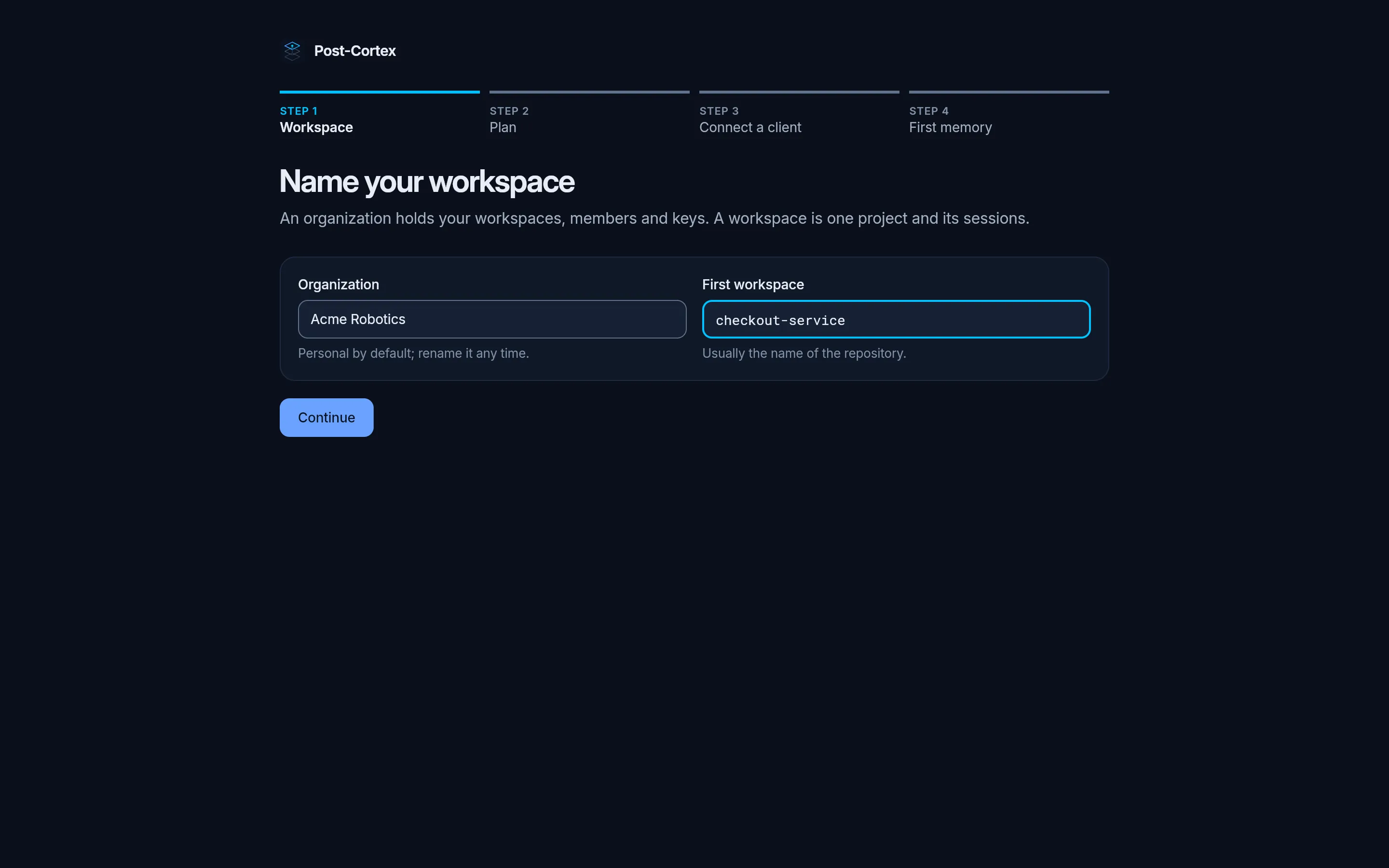
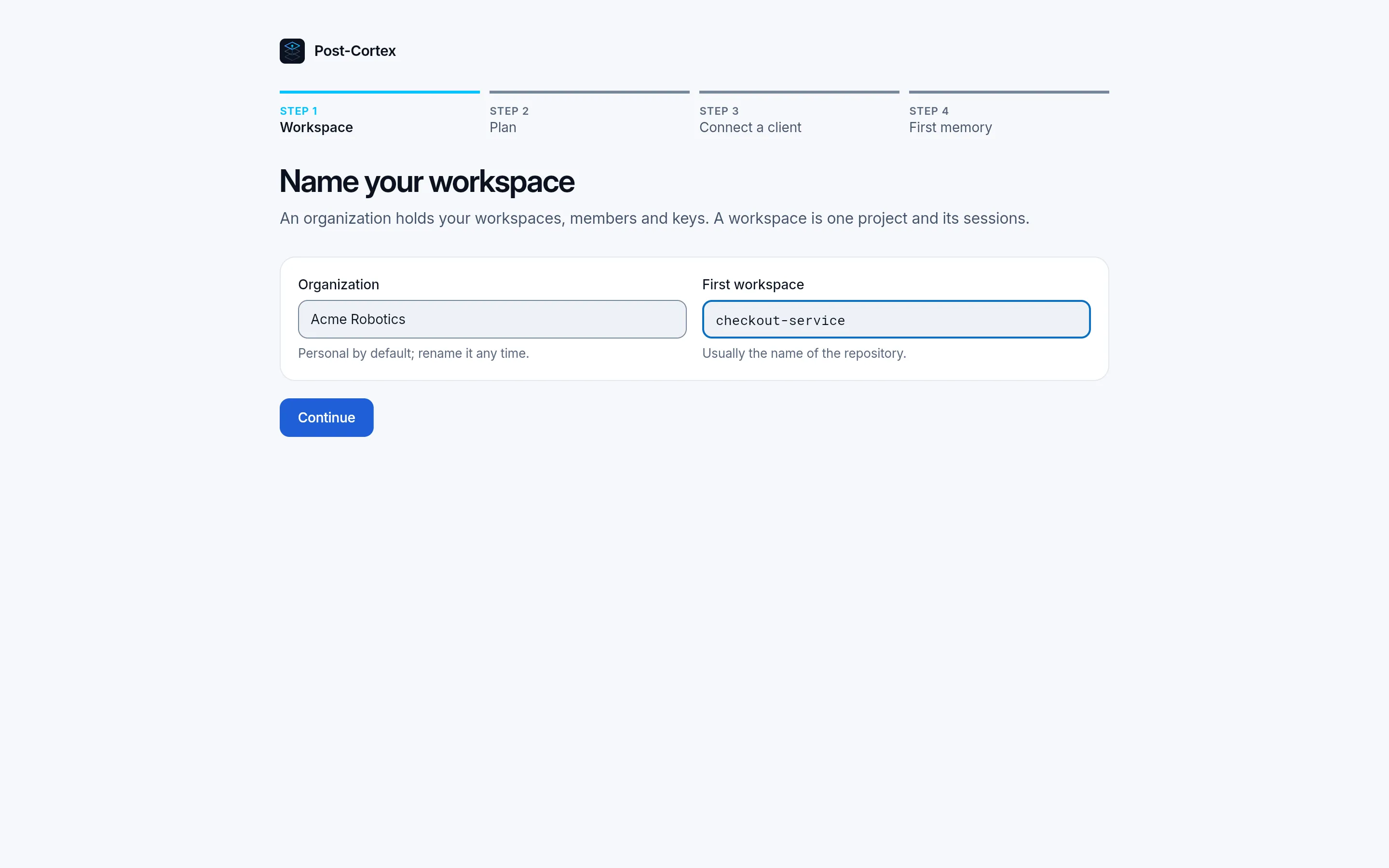
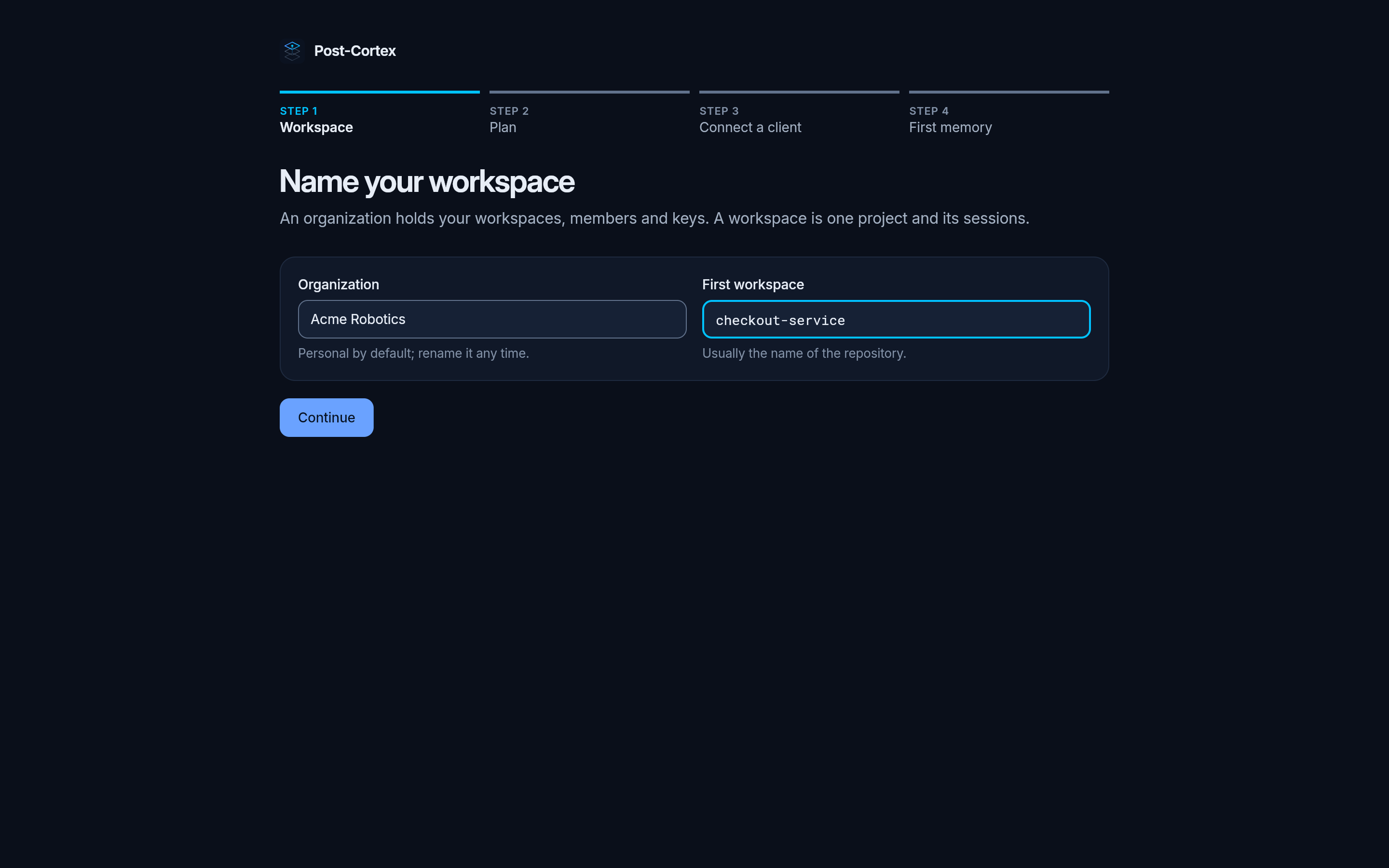
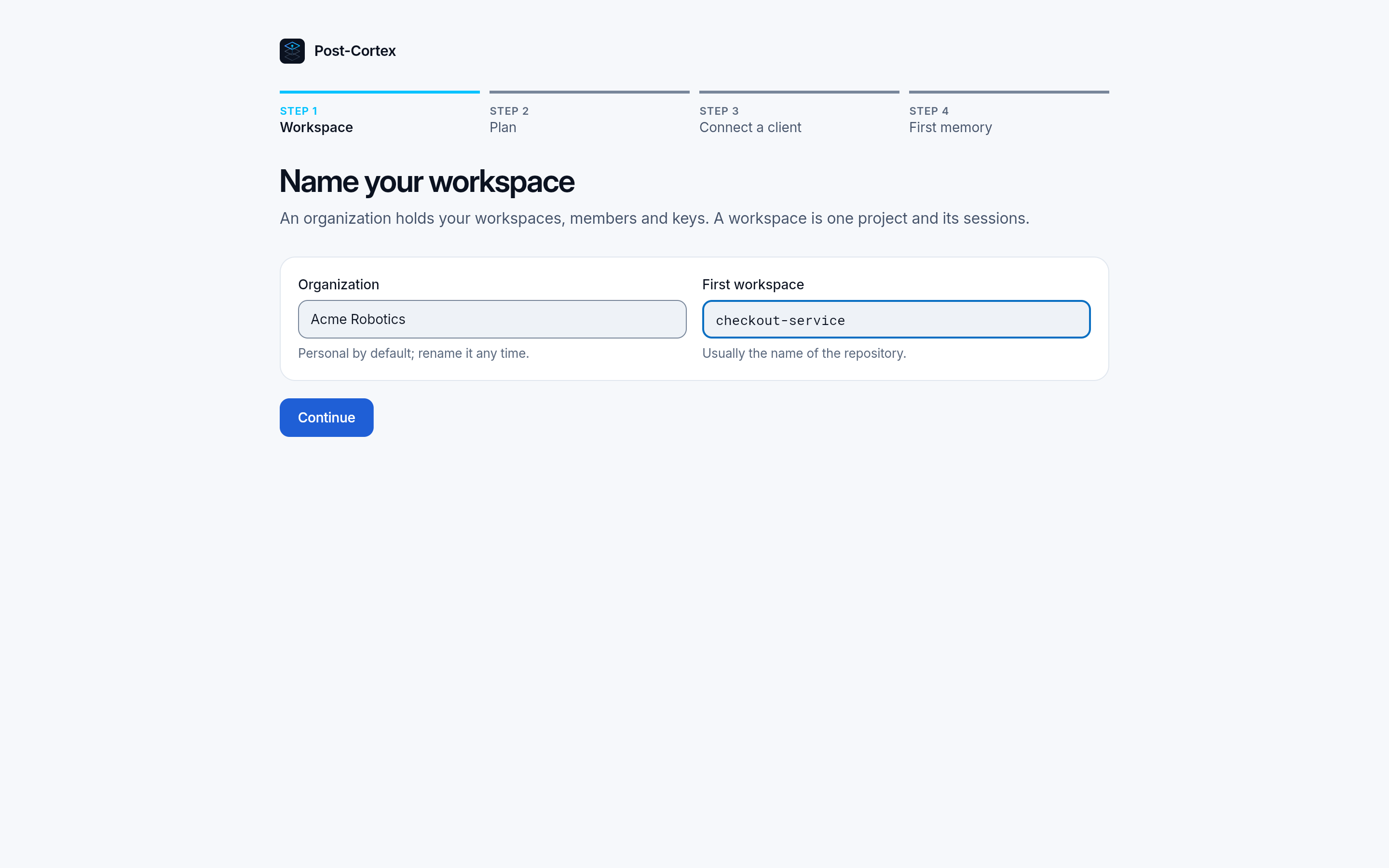
Name your organization and first workspace
An organization holds your workspaces, members and keys. A workspace is one project, usually named after its repository.
-
Pick a plan
Free is enough to start, and nothing is charged in this step. Pro is free for the first 2 months while pcx is new. See Plans and limits.
-
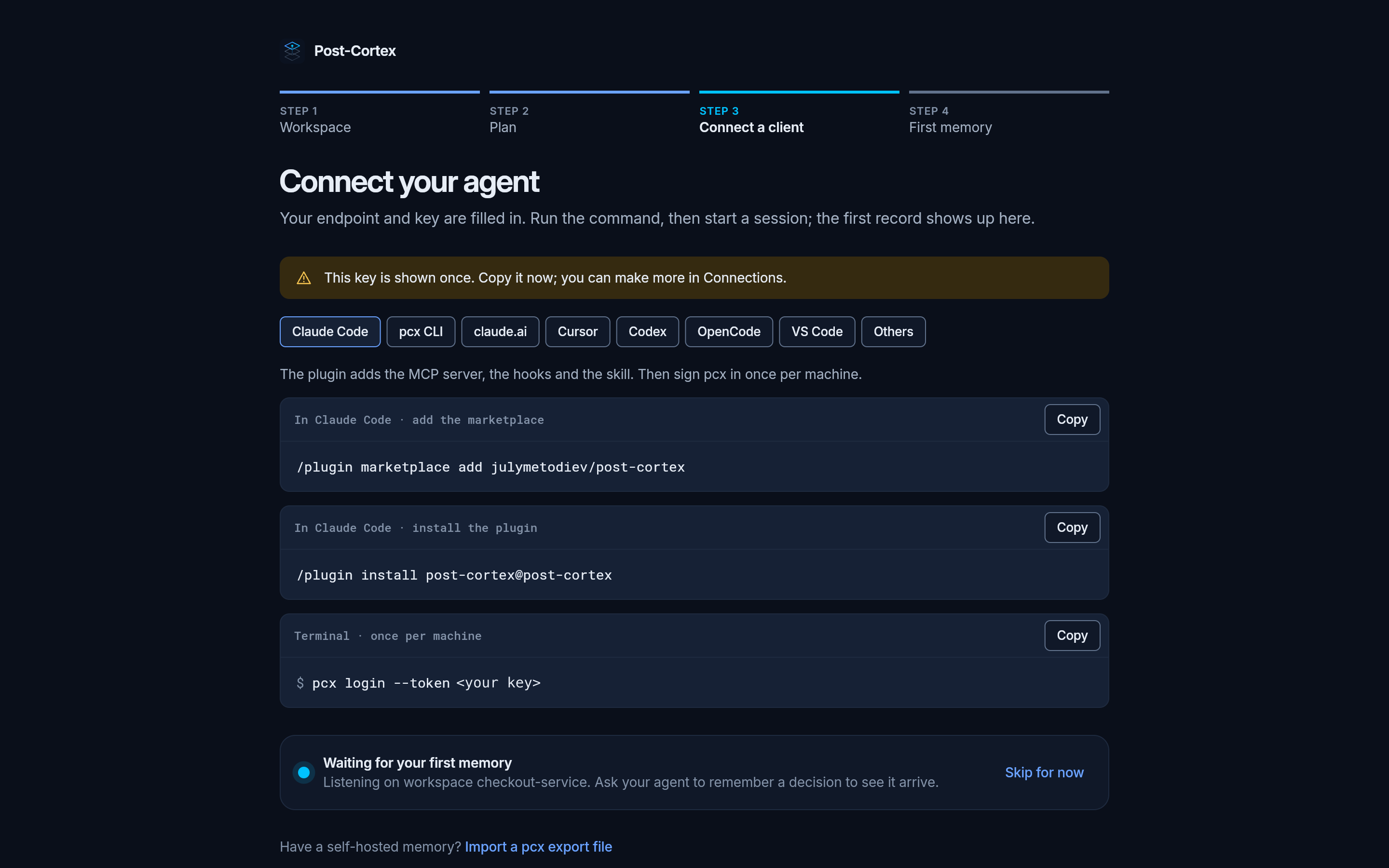
Connect your agent
The app makes your first API key and fills it into the commands. Copy the key now: it is shown once. You can make more keys in Connections.
In Claude Code:
/plugin marketplace add julymetodiev/post-cortex/plugin install post-cortex@post-cortexThen, once per machine, in a terminal:
Terminal window pcx login --token <your key>No
pcxyet? Give the key to the plugin instead:/plugin configure post-cortex@post-cortexand paste it asapi_key. It is kept in your system keychain. More in Claude Code.Terminal window pcx login --token <your key>pcx setup --client cursor # or codex, gemini, opencode, vscodepcx setupwrites the MCP server, the hooks and the instructions into the client’s own config, once for every project. More in other clients.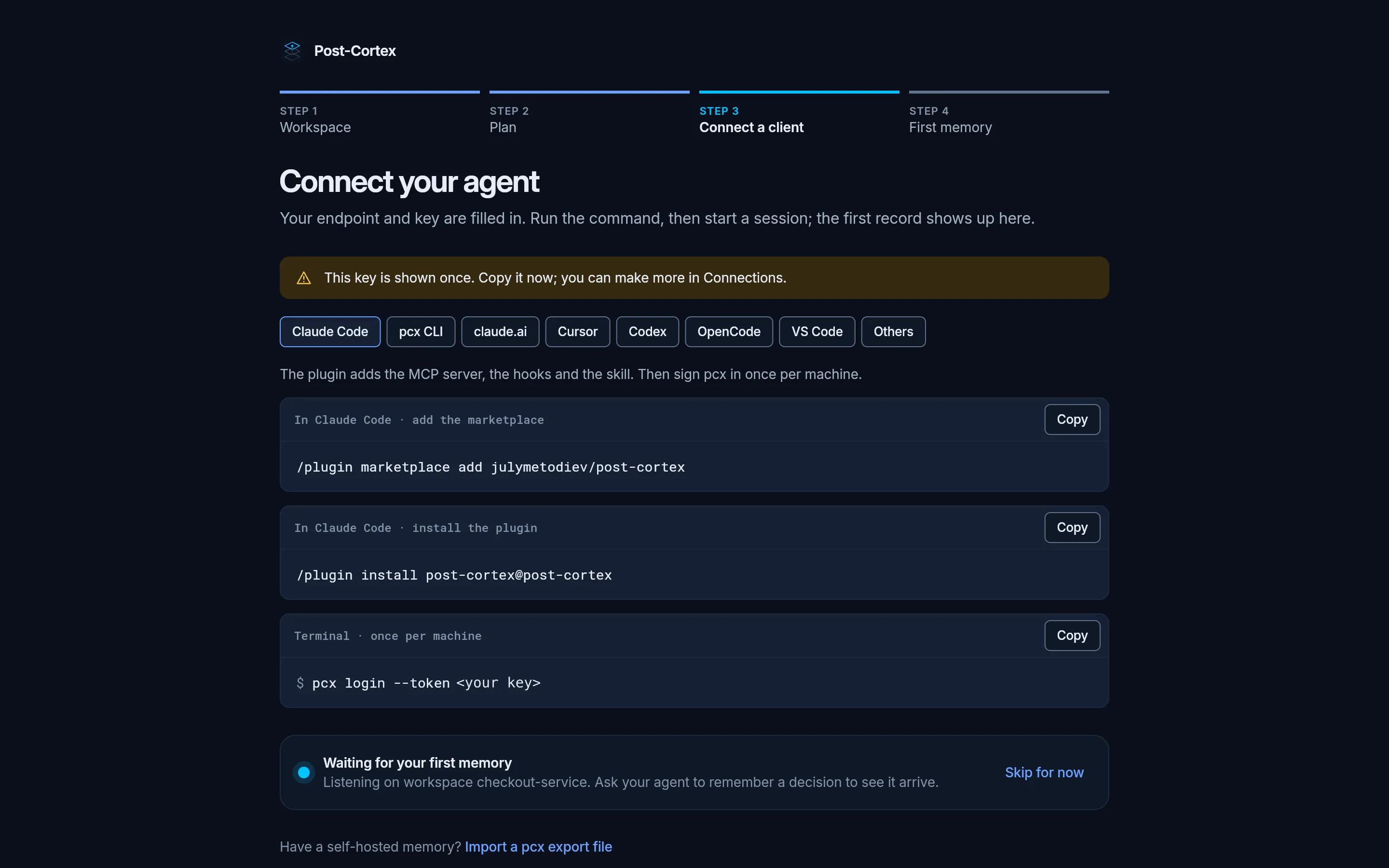
-
See your first memory arrive
Start a session in your project and ask your agent to remember something, for example “remember that we use Stripe Payment Intents for card payments, because they handle 3-D Secure for us”. The app is listening on the workspace and moves on as soon as the record arrives.
What happens next
Section titled “What happens next”From now on your agent searches the memory before it answers and records what it learned after a change. The plugin’s hooks hold it to that: a turn that changed the project but recorded nothing is stopped and asked to record it. How your agent uses memory explains the loop.
Open the Overview to see what the memory holds.