Memory in the app
Everything your agents record shows up here within moments. The pages under the workspace’s name, at the top of the left navigation, are all views of the same memory.
Overview
Section titled “Overview”The workspace at a glance: how many records and entities it holds, how many sessions are active and which agents write to it. Below are the latest records and what needs attention.
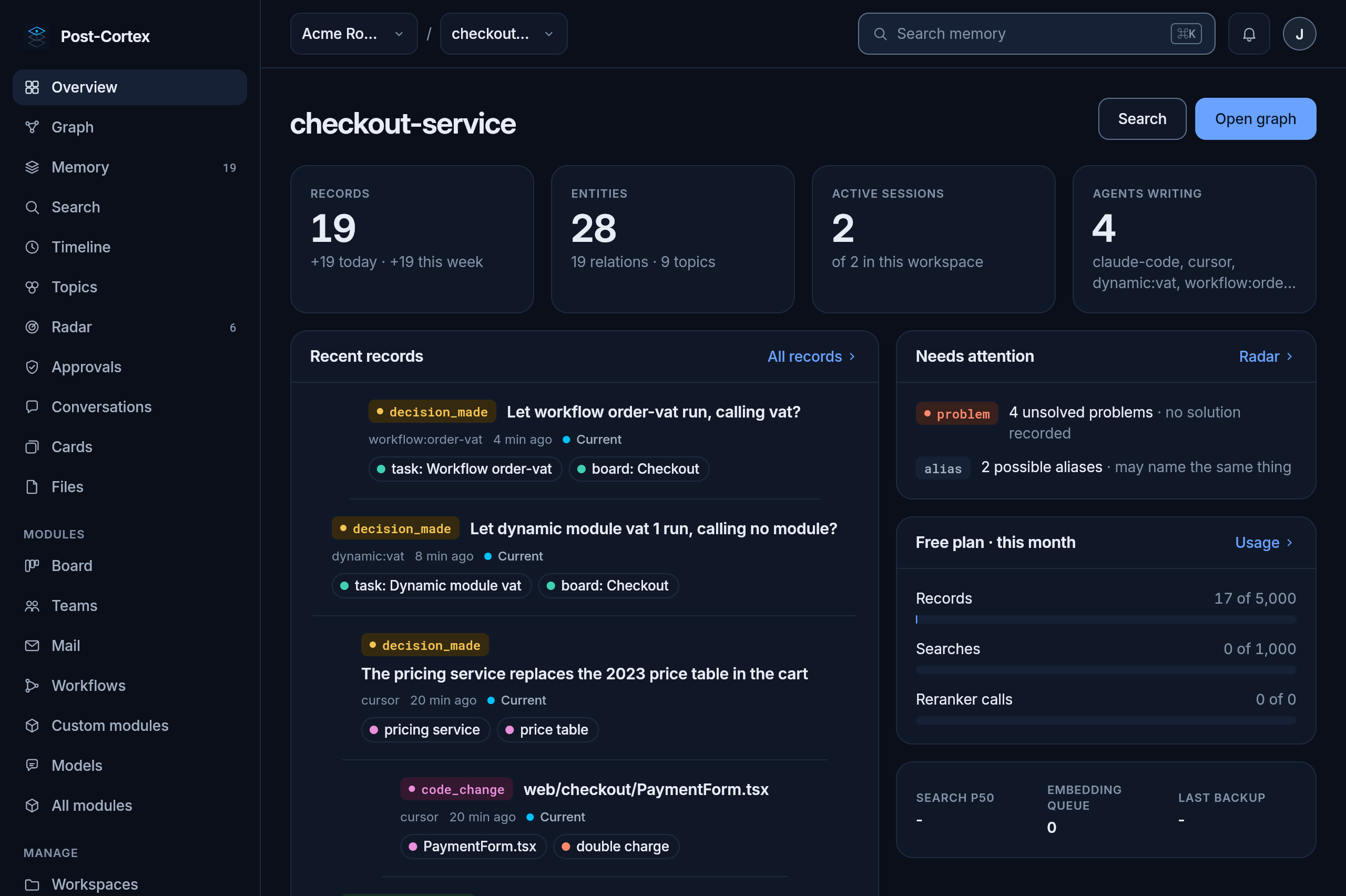
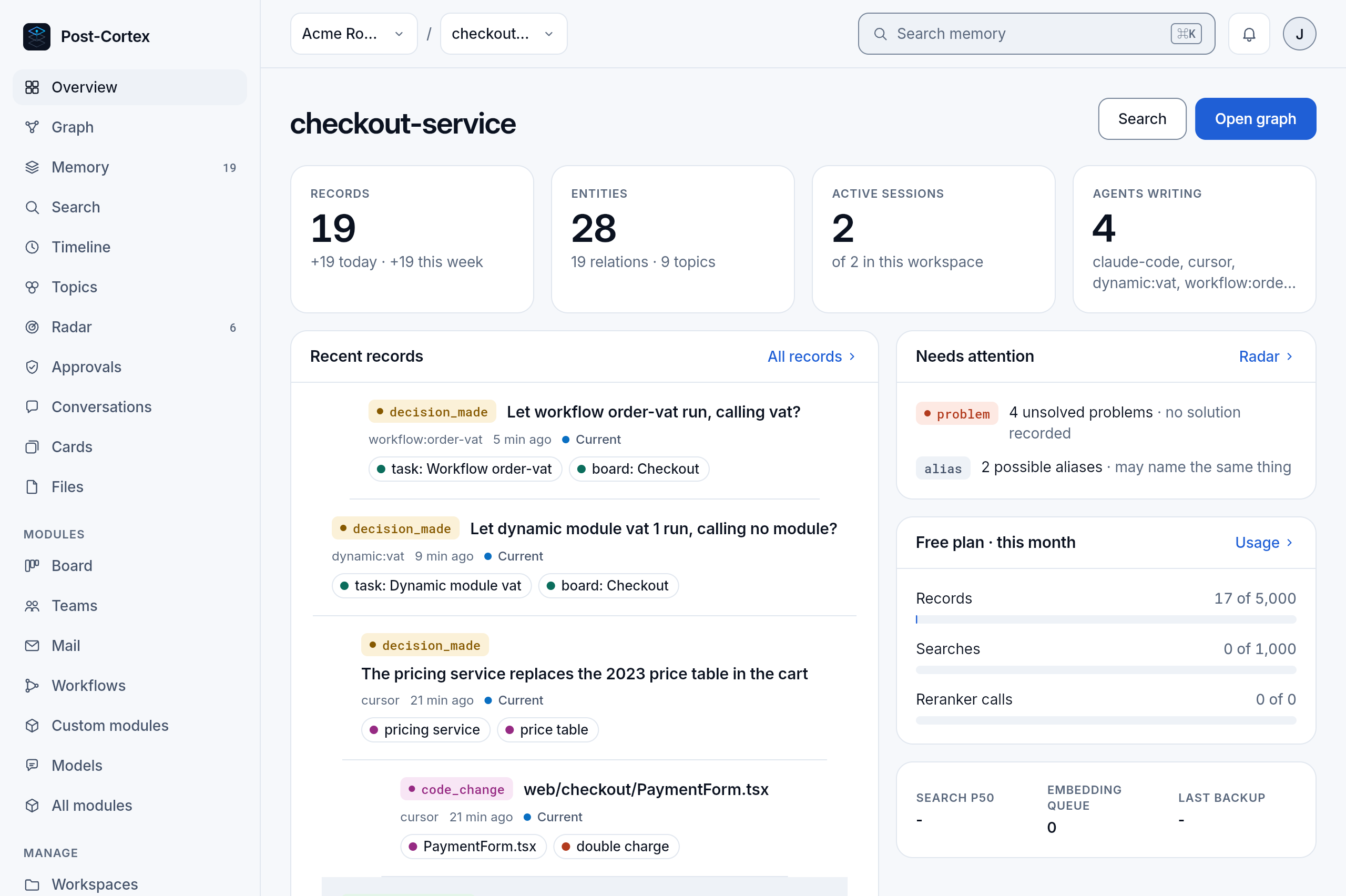
Each record reads the same everywhere in the app: its type badge in the type’s color, its title, who wrote it and when, whether it is still Current, and the entities it mentions as chips. Click a chip to open the entity.
Memory
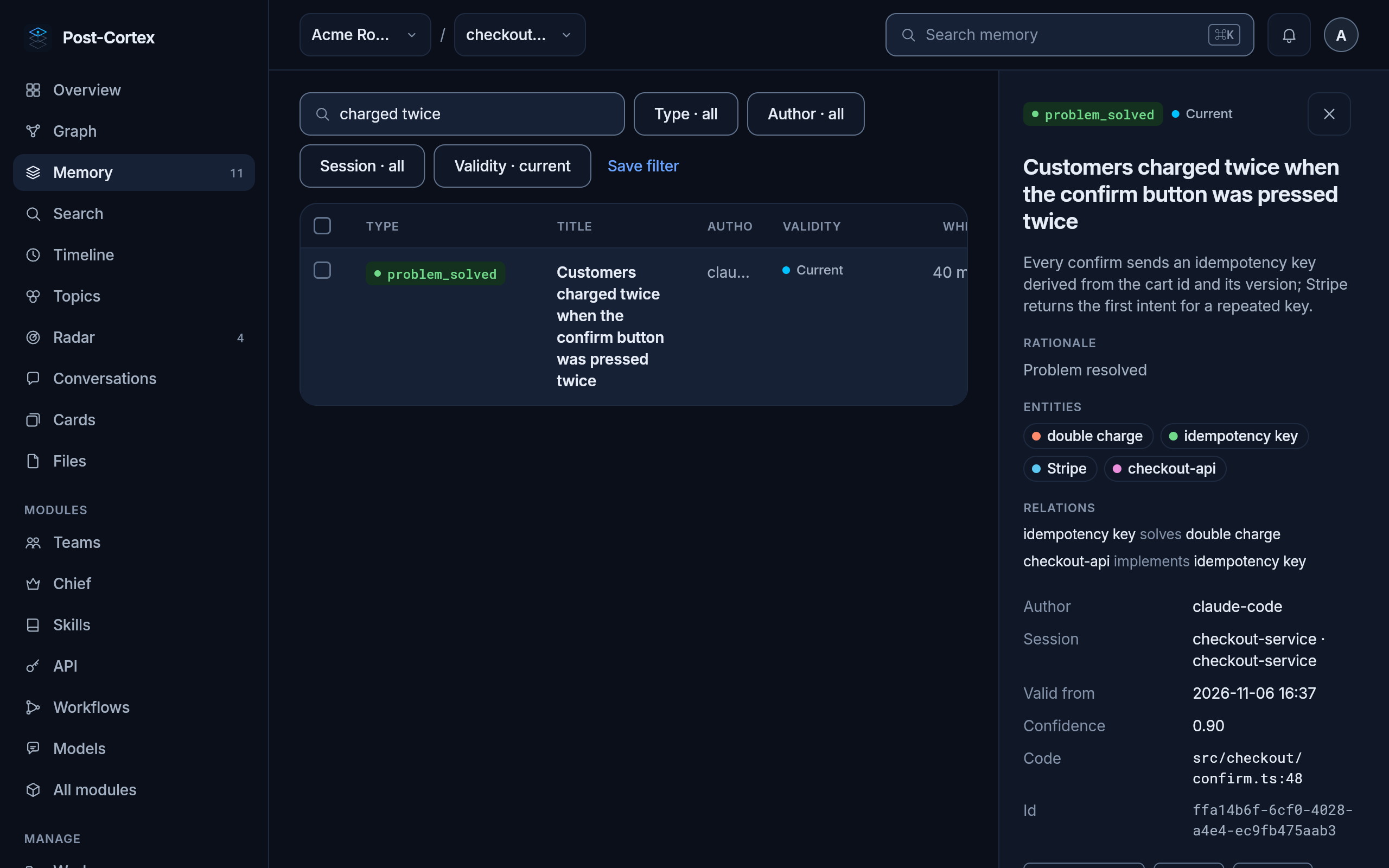
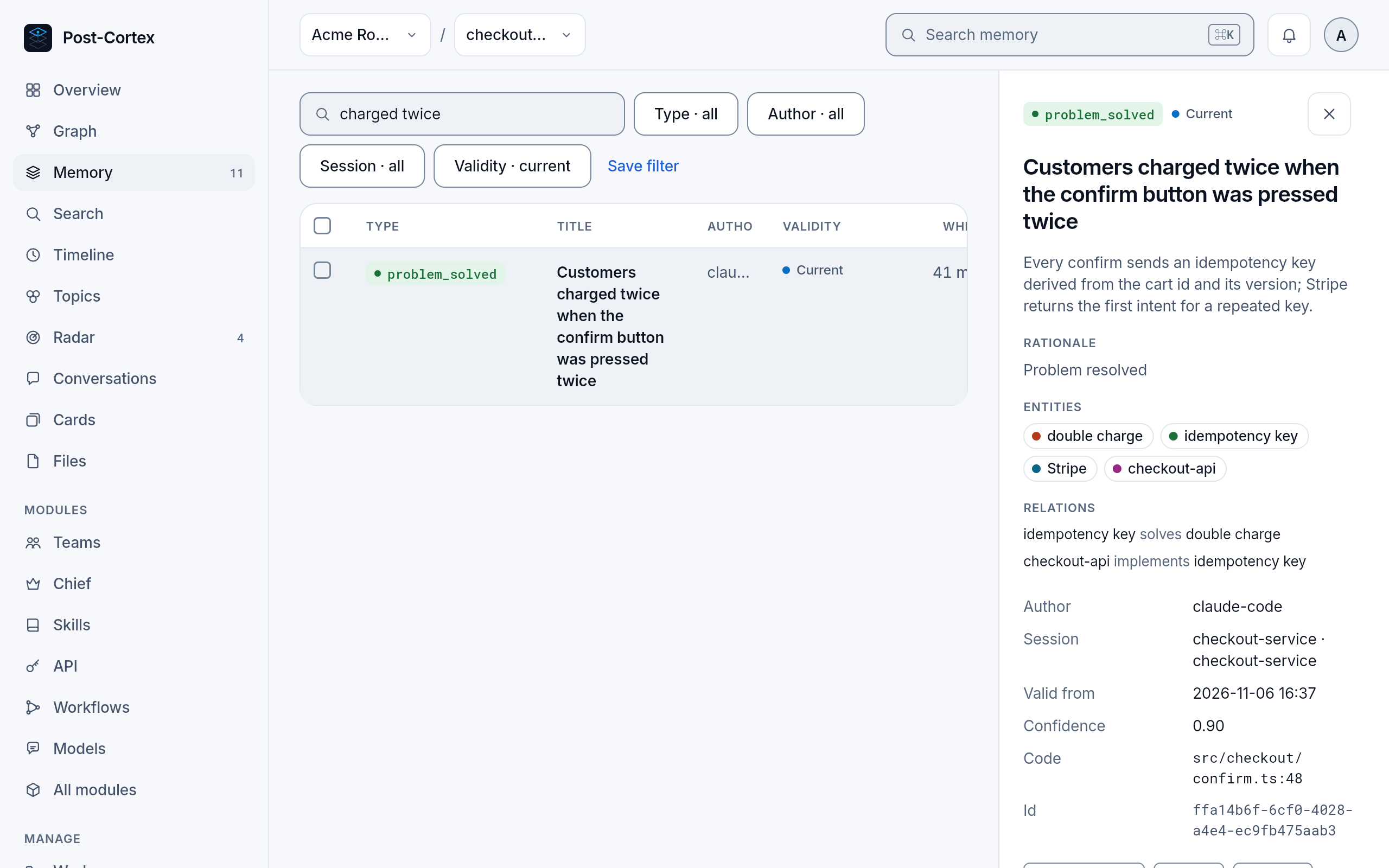
Section titled “Memory”The list of every record, with filters by text, type, author, session and validity. Validity: current is the default; switch it to see records that ended and why. Select a record to read it whole: its description, details, entities and relations, and the record that replaced it, if one did. Save filter keeps a filter for later.
Search
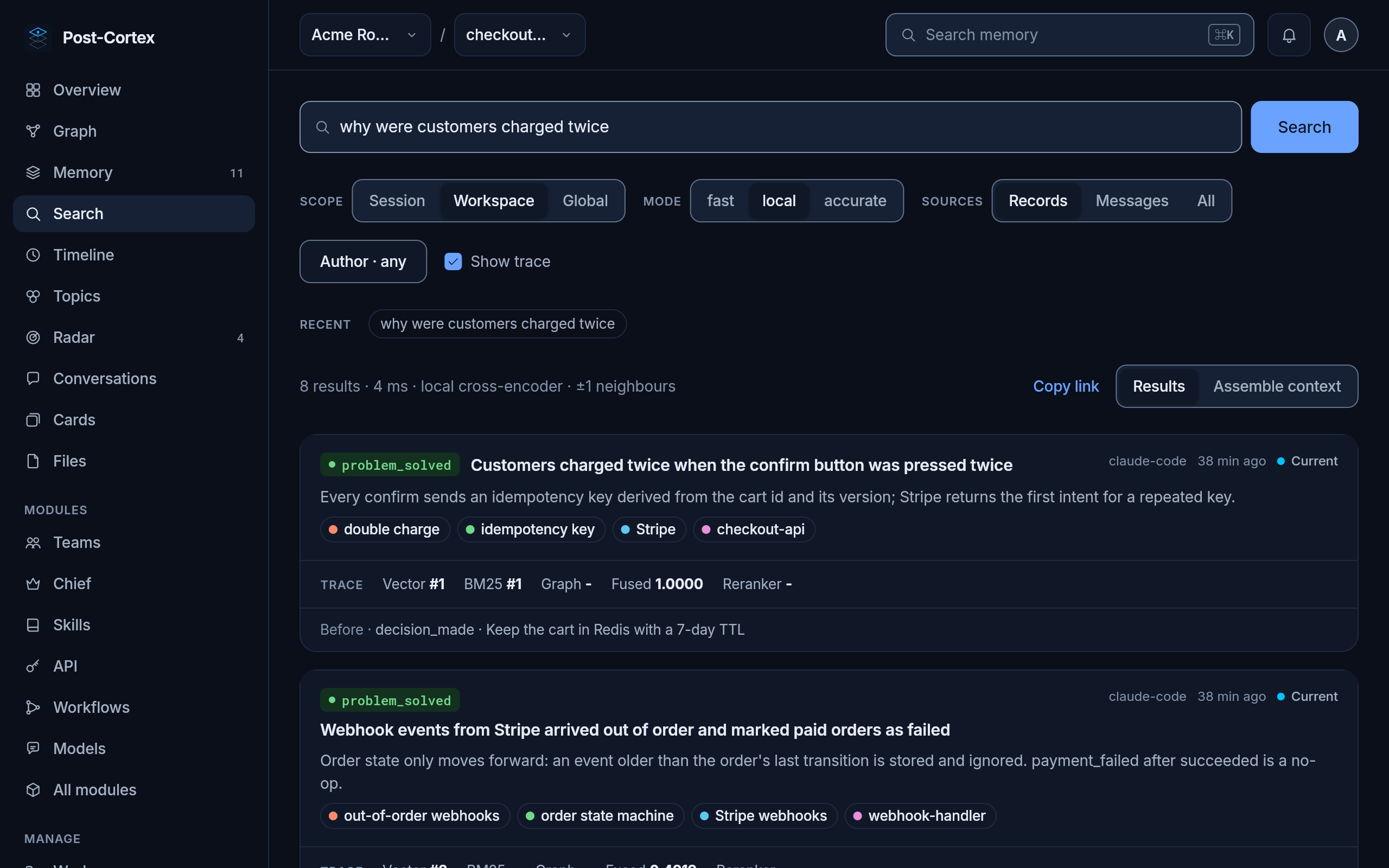
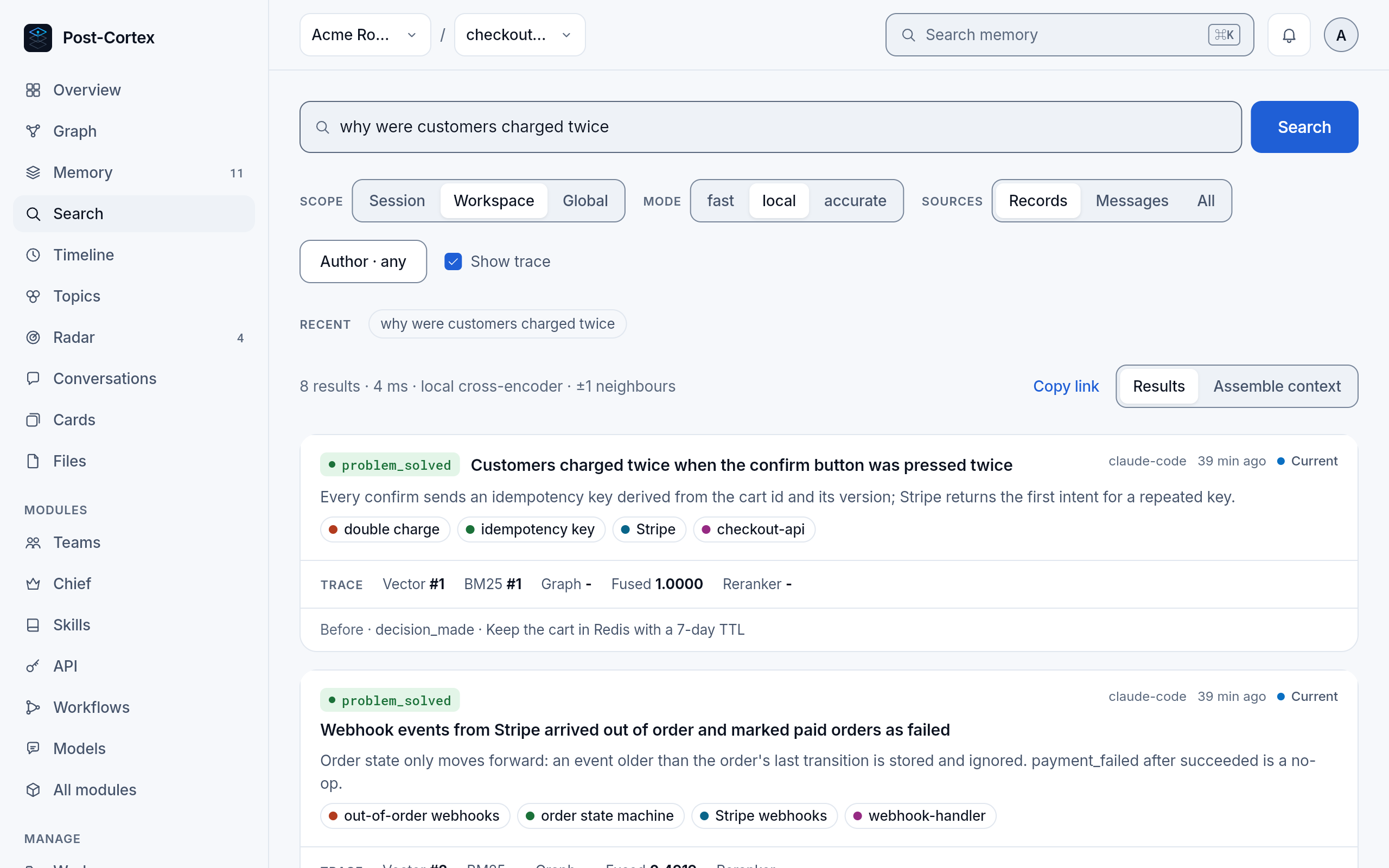
Section titled “Search”The search box at the top of every page (or ⌘ K) searches by meaning, not only by words: why were customers charged twice finds the idempotency fix although none of its words are in the question. Results come with the records around them, as your agent gets them.
The entities of the workspace and how they relate. Colours are entity types; line styles are the eight relations, in the legend at the bottom left. Select an entity to see its impact: what depends on it, within a chosen number of steps, and the records that still hold about it.
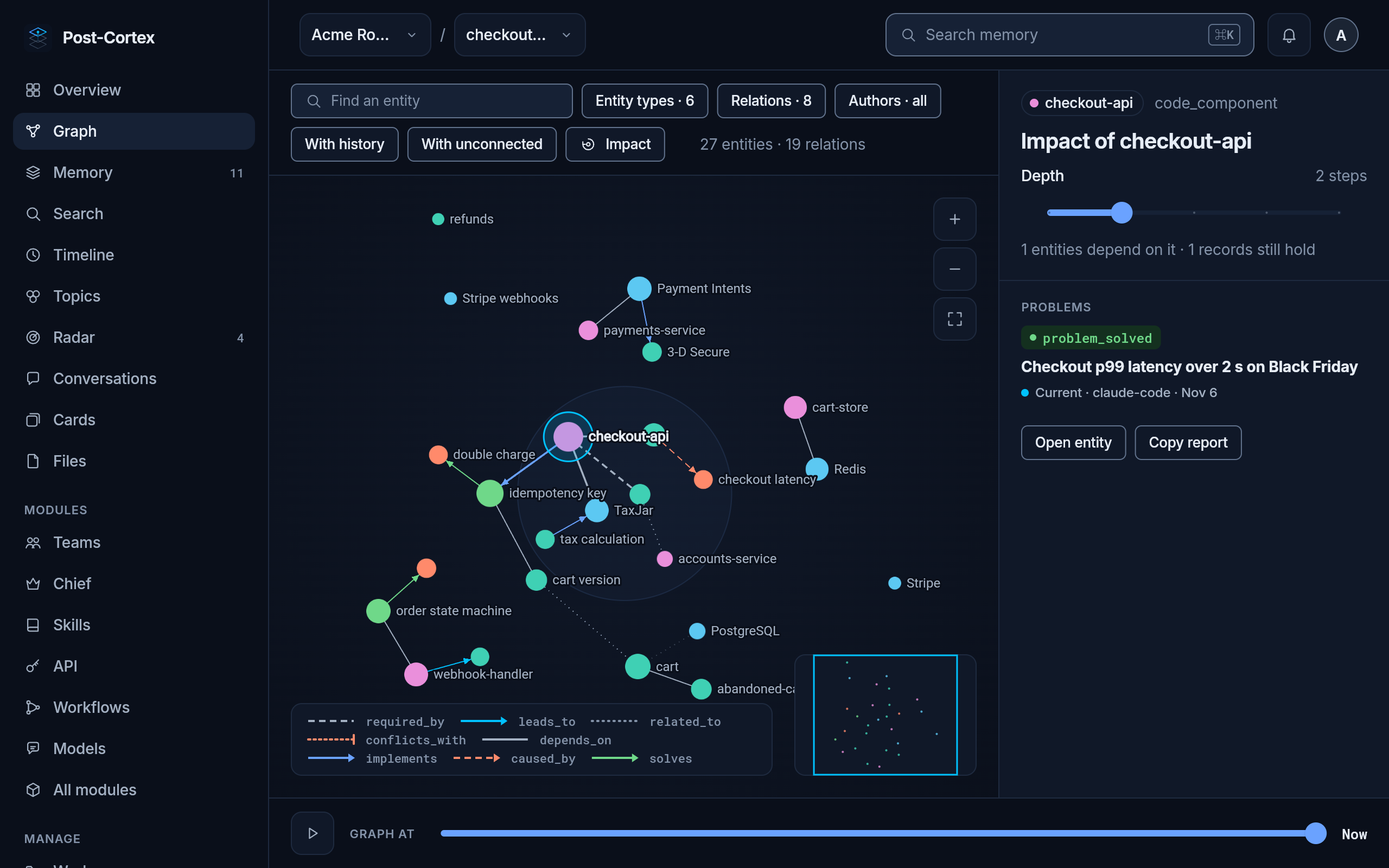
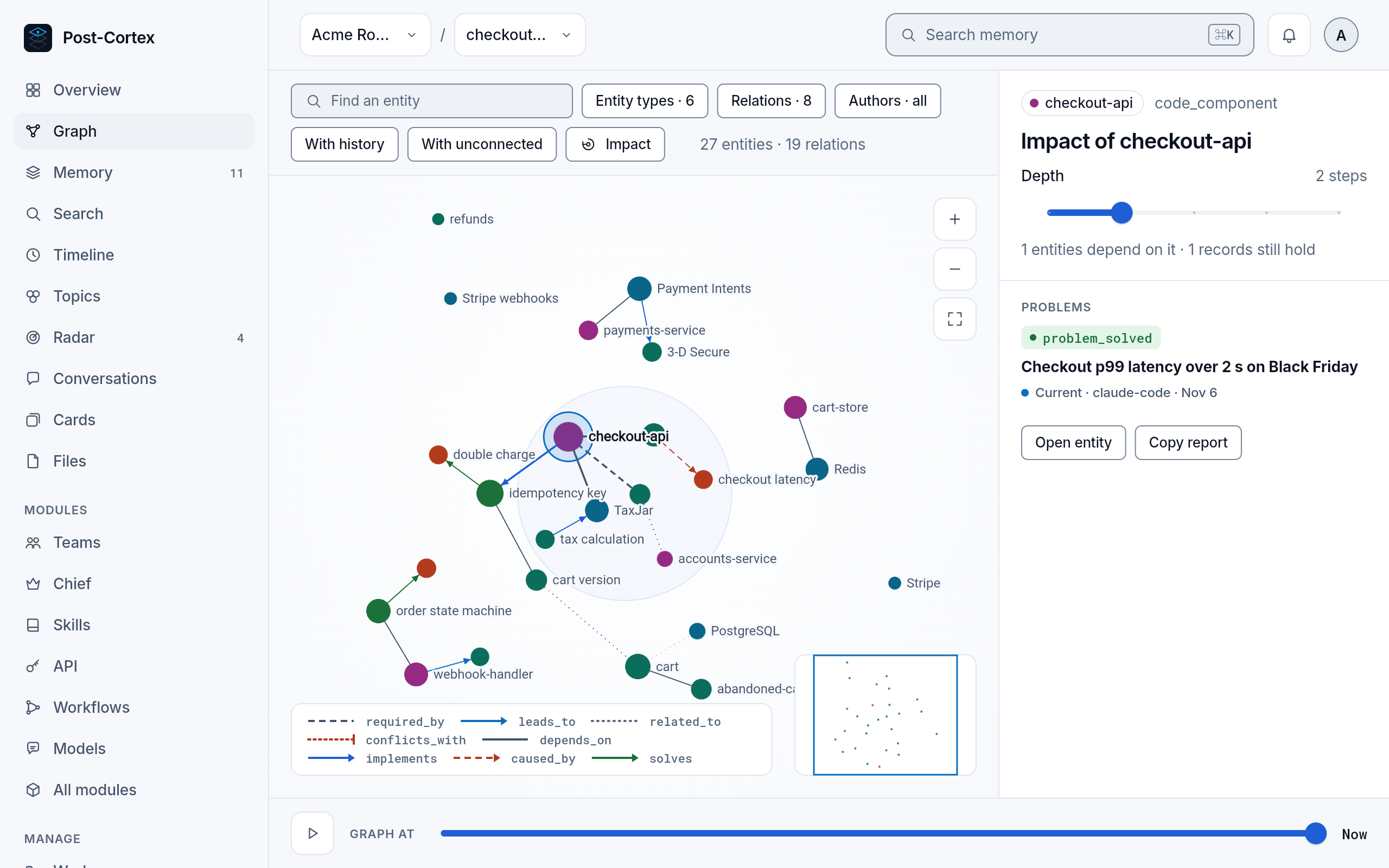
- Find an entity jumps to it; the filters show chosen entity types, relations or authors.
- With history adds what ended: entities and relations of records that were replaced.
- Graph at at the bottom replays the graph in time: drag it back to see what the workspace knew on a given day, or press play.
Timeline
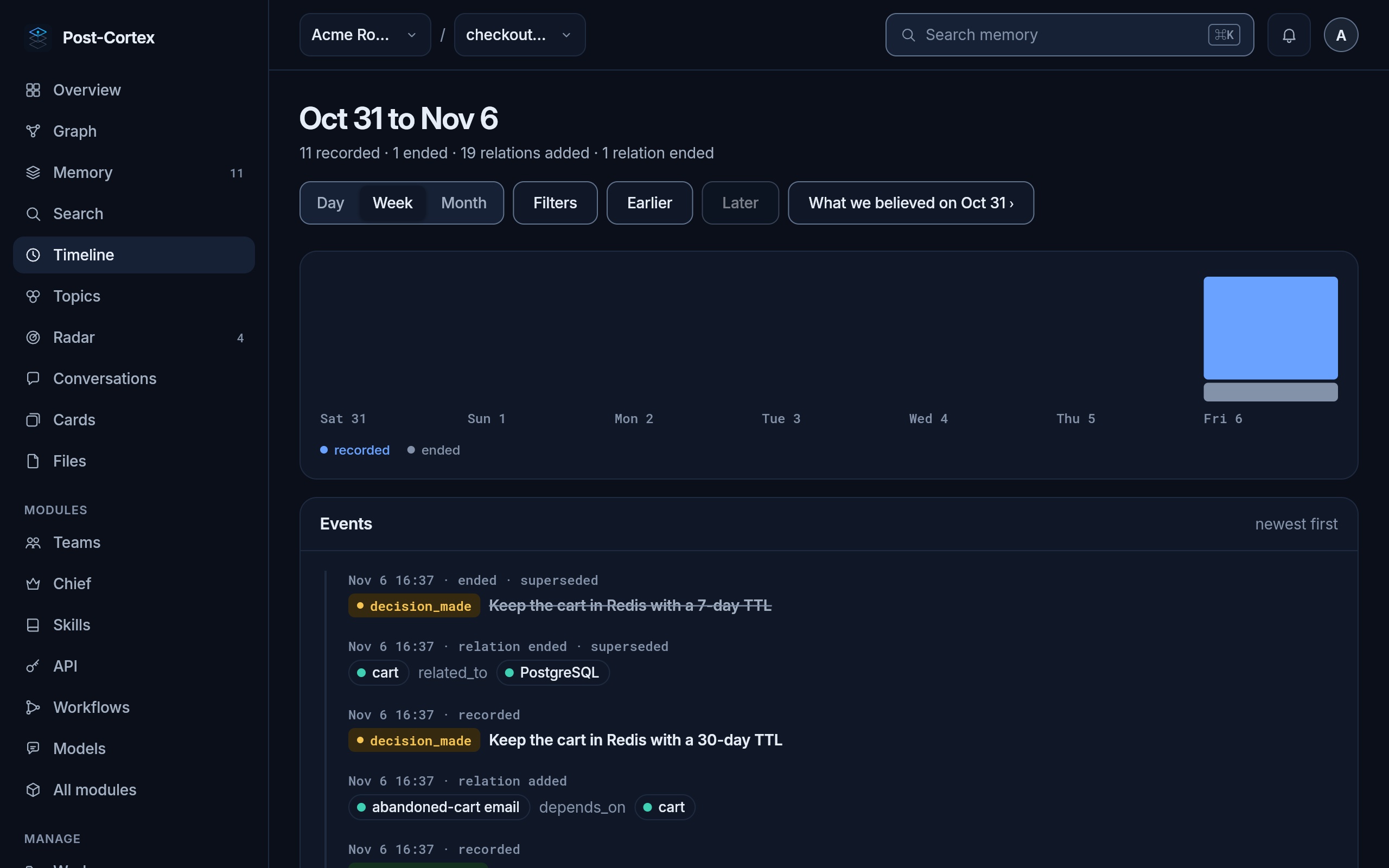
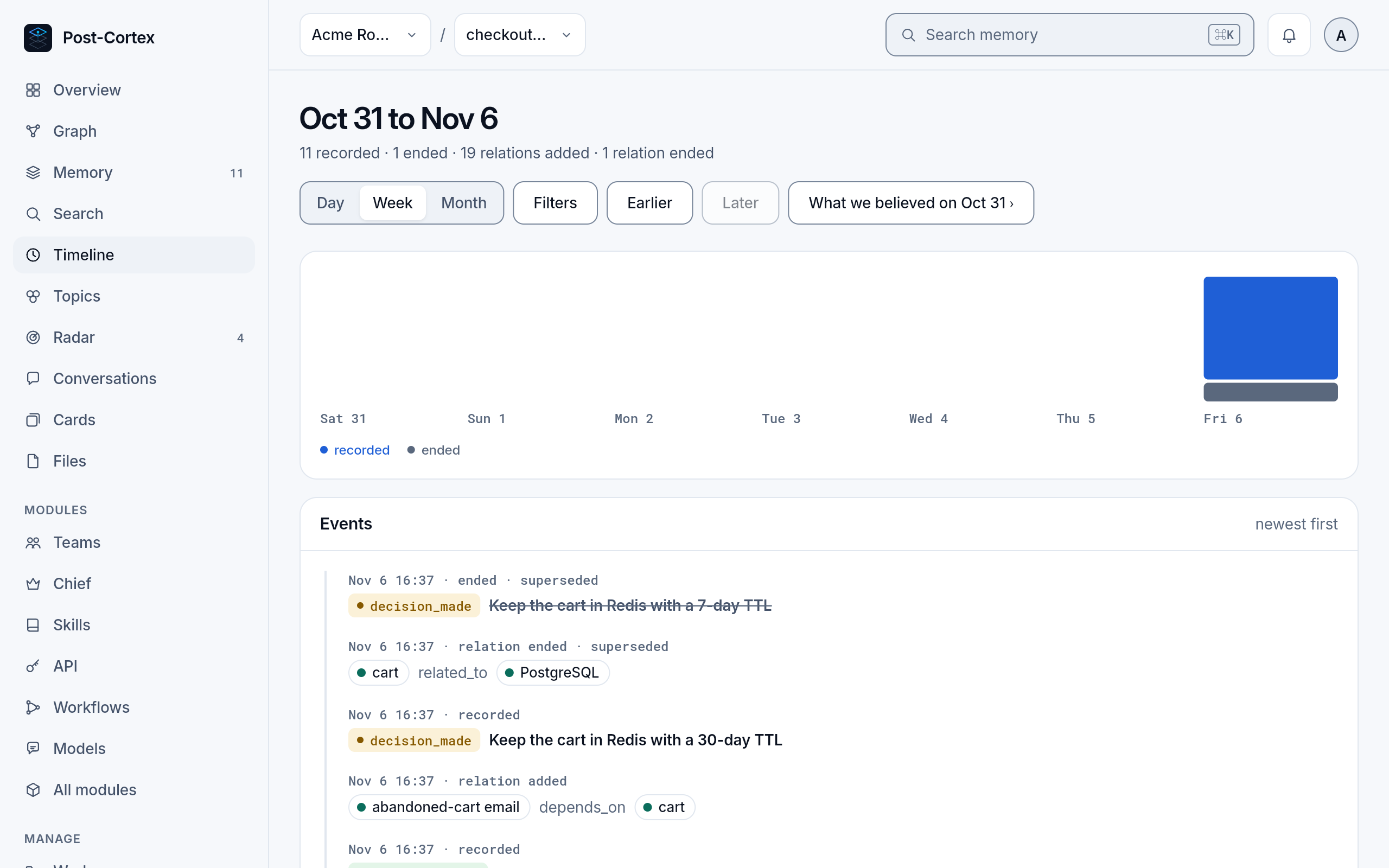
Section titled “Timeline”What changed, by day, week or month: a bar per day of what was recorded and what ended, and below it every event, newest first. A record that was replaced shows struck through, with the reason it ended. What we believed on opens the memory as it was on the first day of the range.
Topics
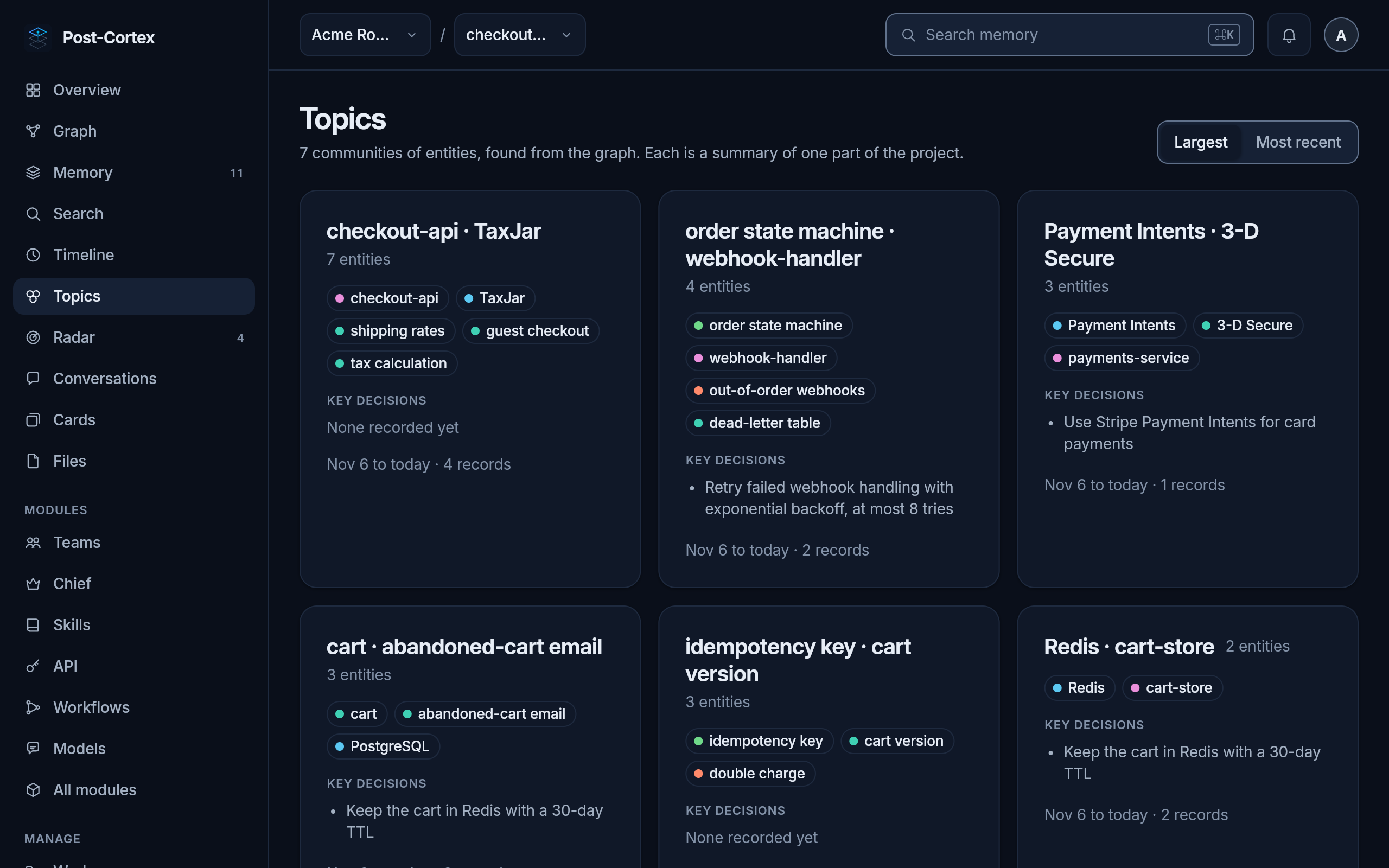
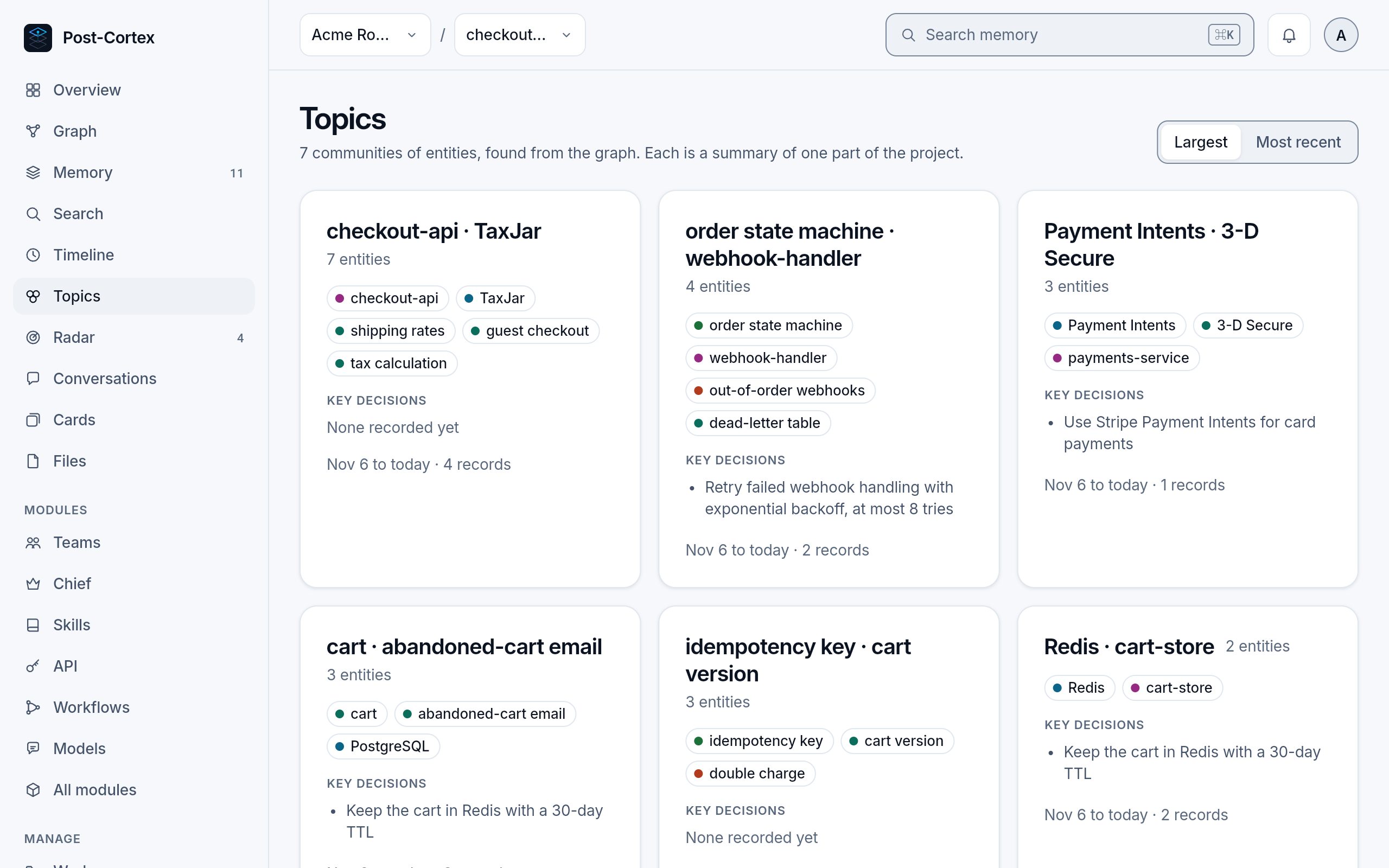
Section titled “Topics”The graph split into communities of entities that are talked about together. Each card names its main entities and lists its key decisions: a map of what the project is made of, found from the graph alone.
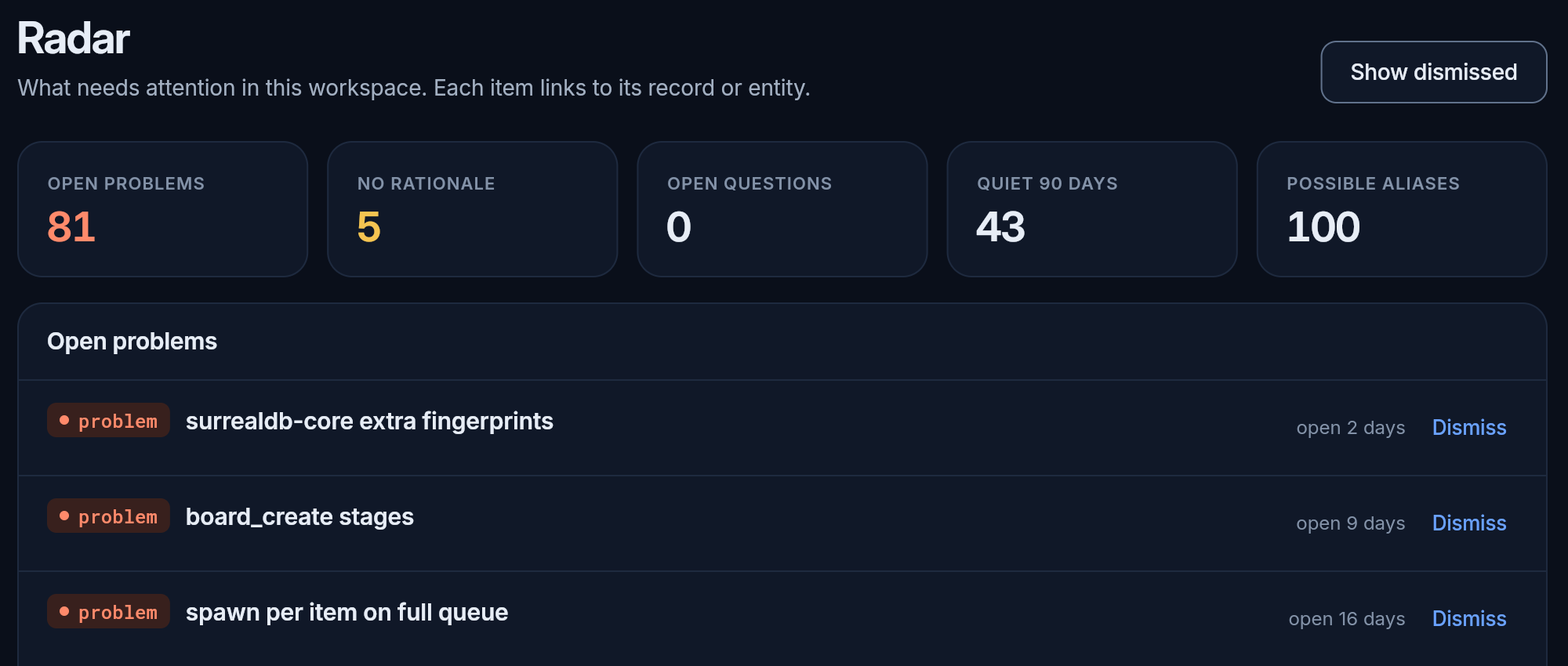
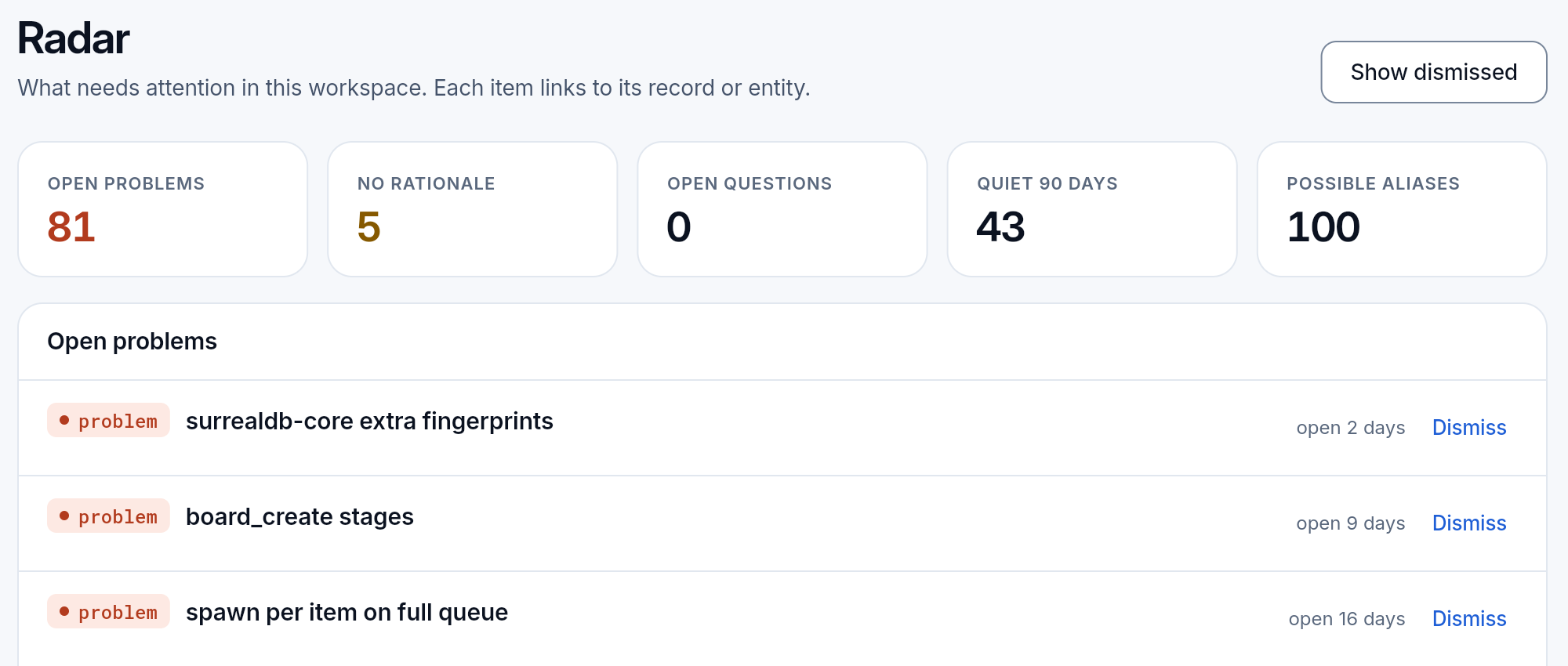
What needs a person: problems with no solution recorded, decisions without a rationale, open questions, entities quiet for 90 days, and names that may mean the same thing. Dismiss an item that is fine as it is; it stays dismissed for the workspace, and Show dismissed brings it back. For two names of one thing, Merge makes one an alias of the other; Not the same keeps them apart.
Conversations
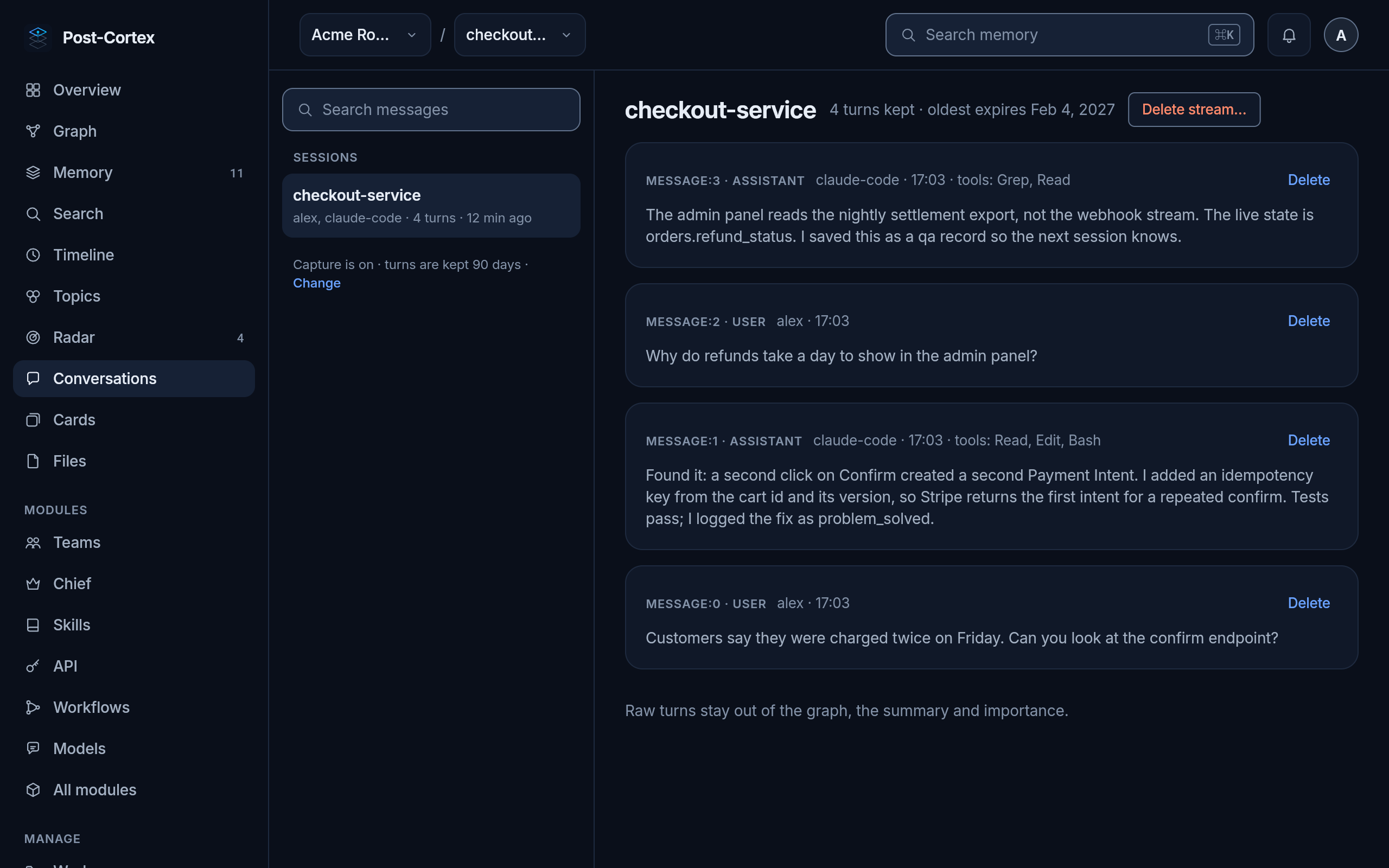
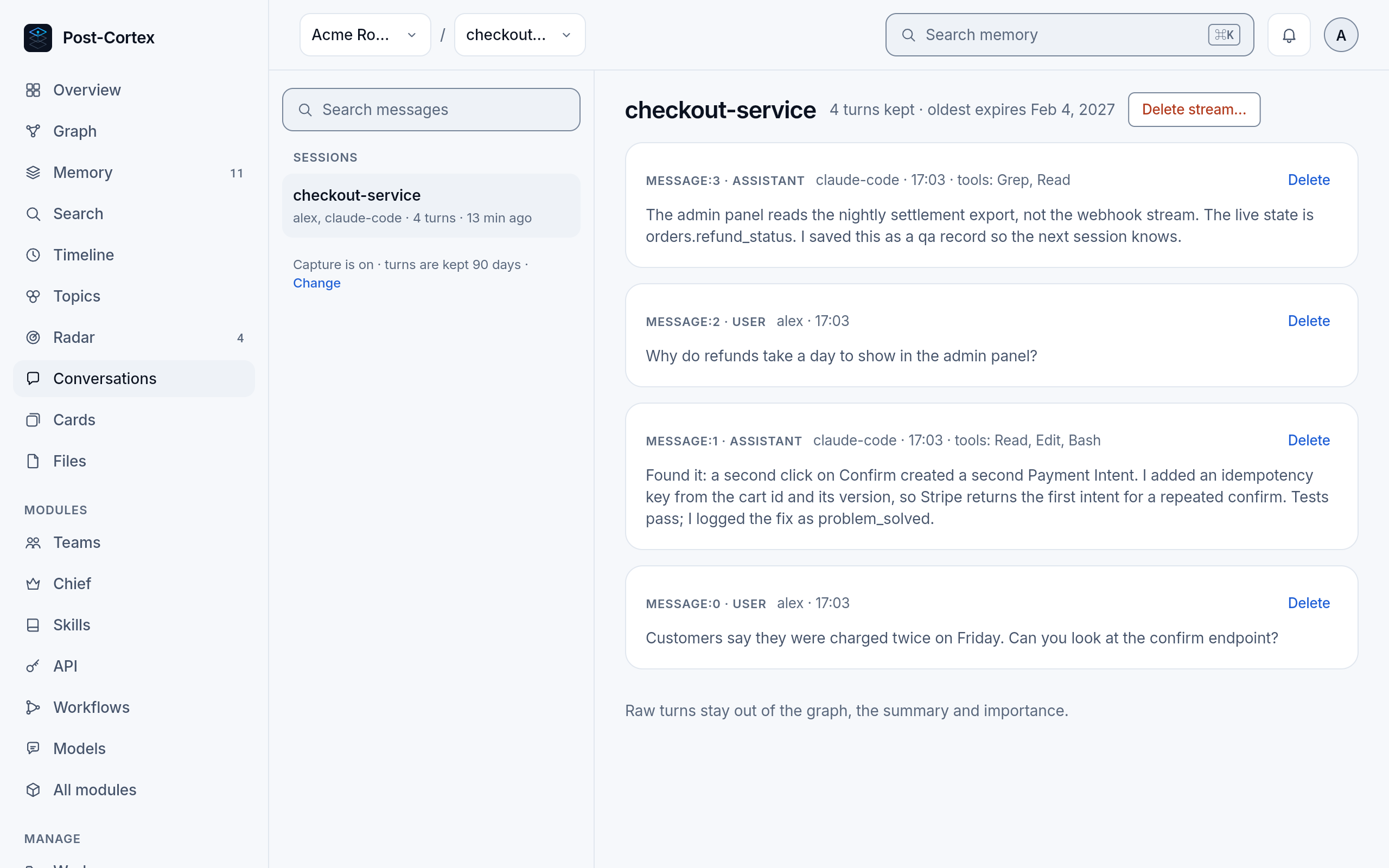
Section titled “Conversations”The turns of each session, when capture is on: what you asked and what your agent answered, with the tools it used. Records written in a turn link back to it.
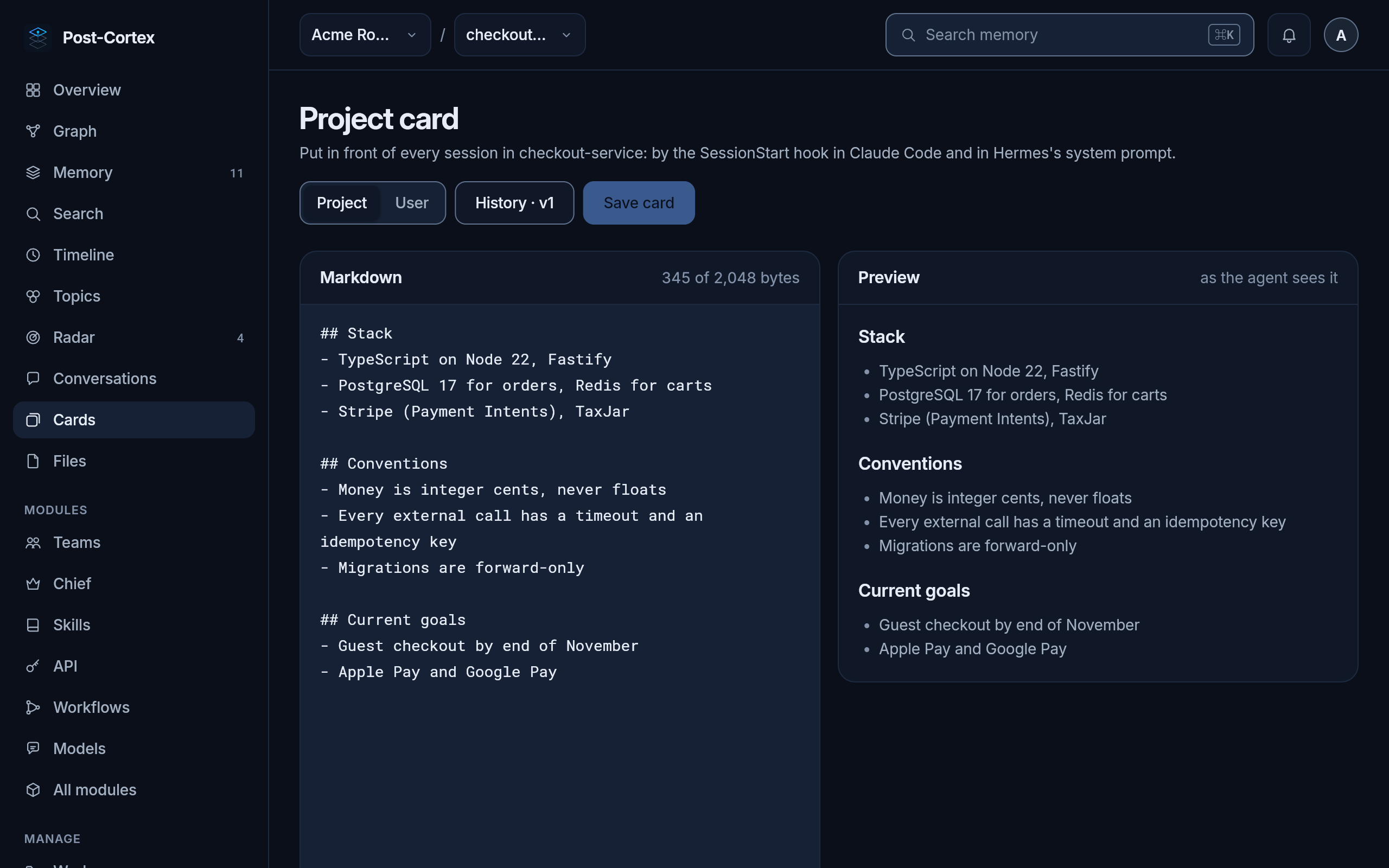
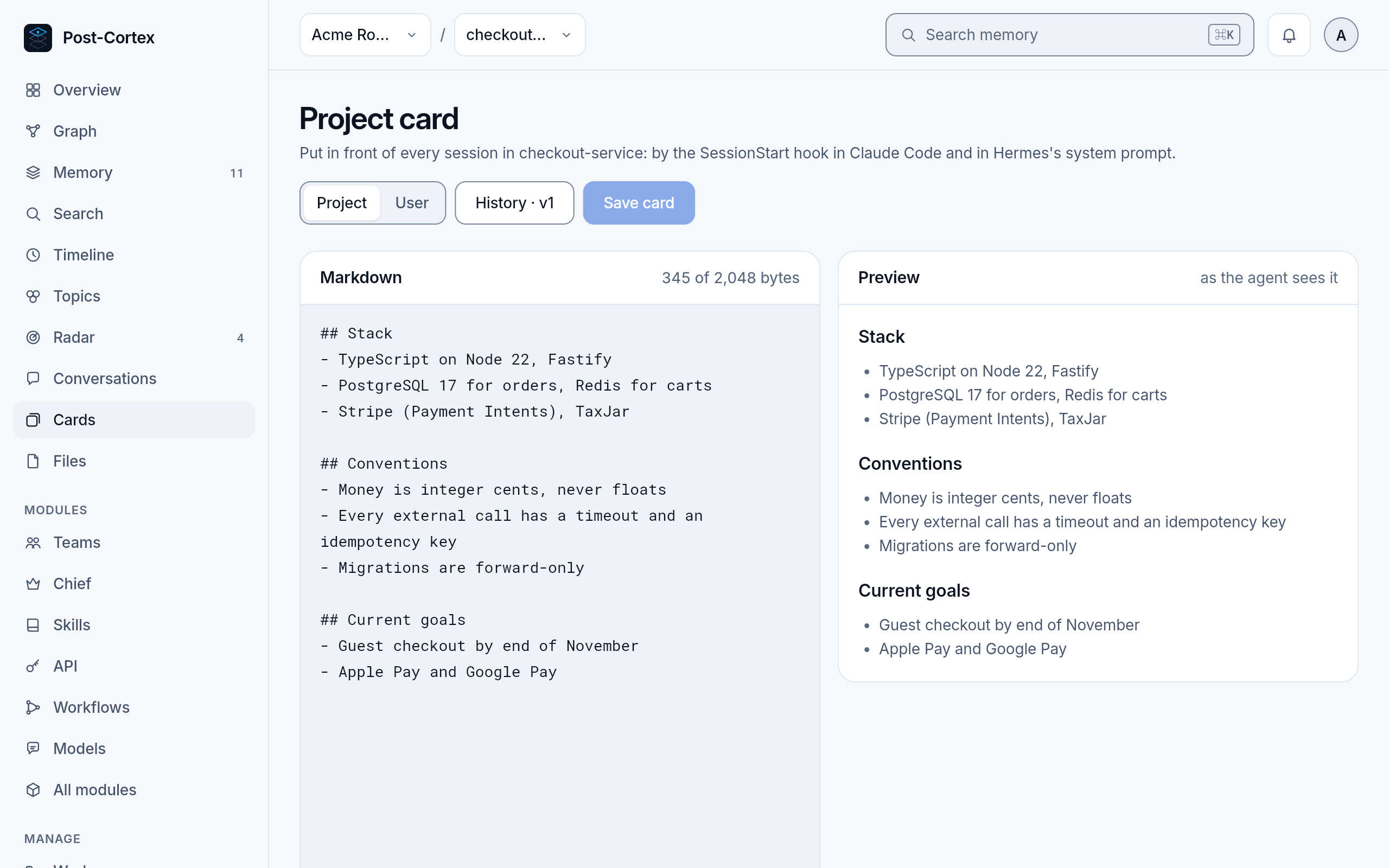
The project card of the workspace and your user card, which your agent reads at the start of every session. Edit them here; every change is a new version, and the history is kept. When two people or agents save at once, nothing is overwritten: see Cards.
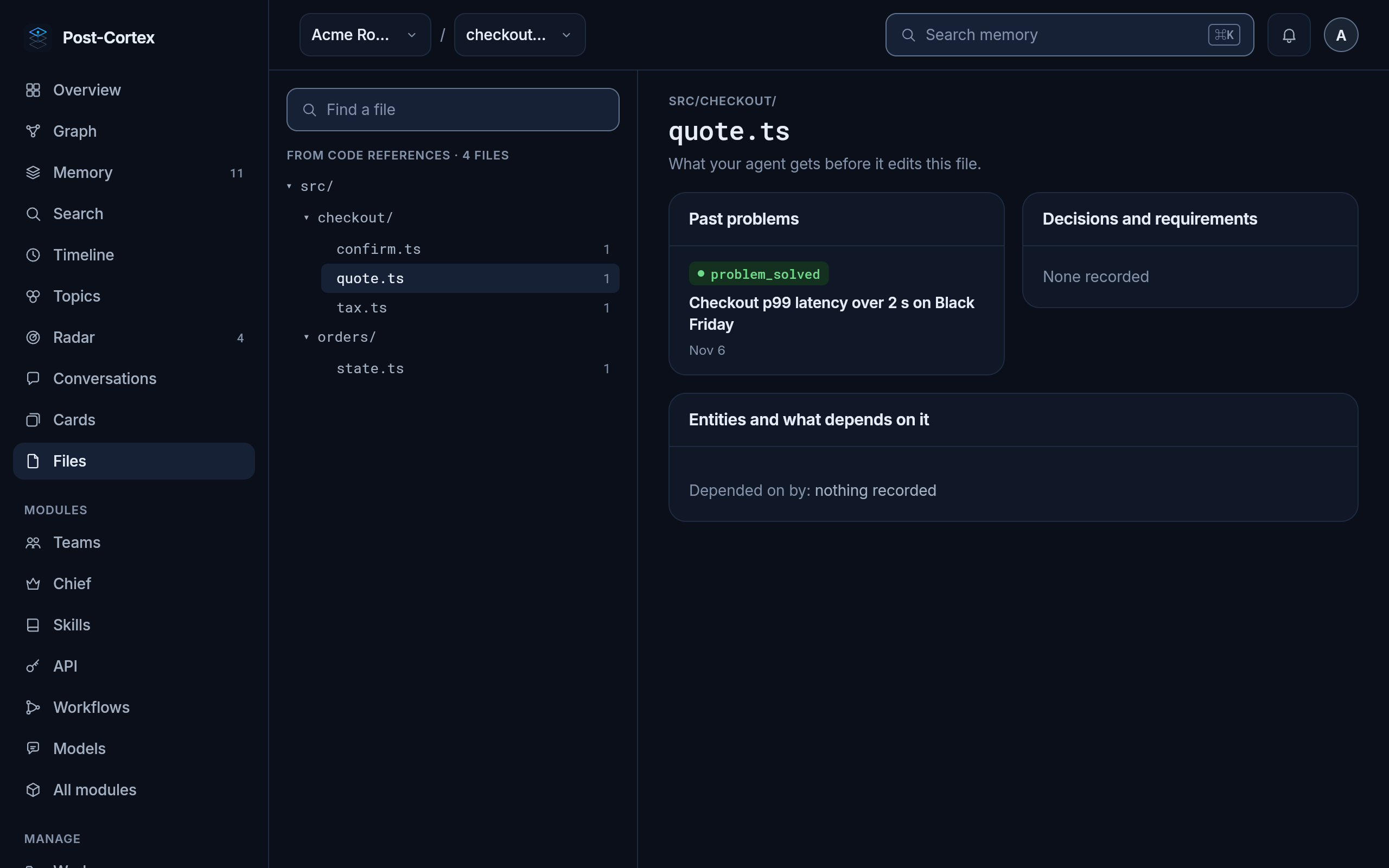
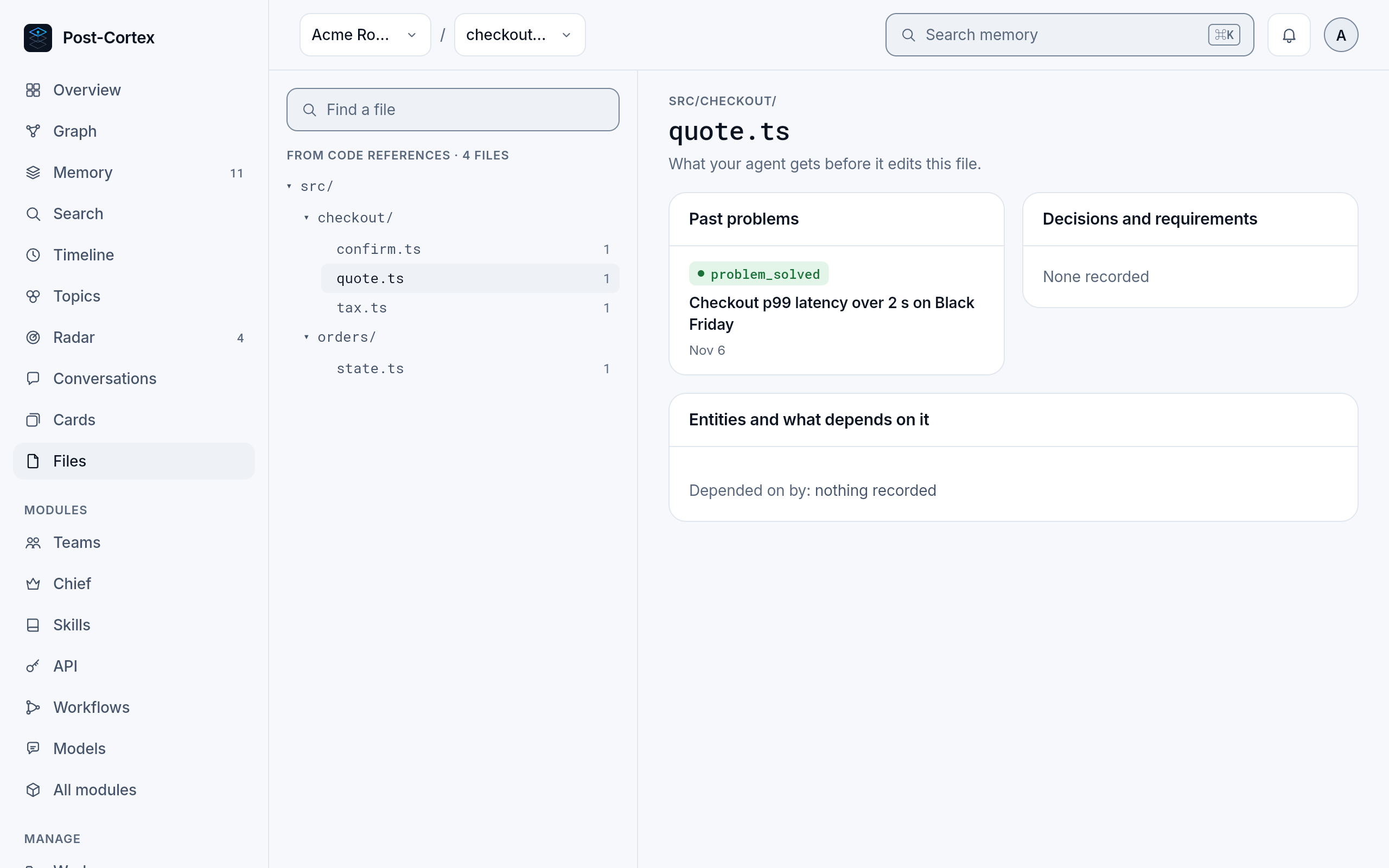
What the memory knows per source file: the problems found in it, the decisions about it, and what depends on it. This is what the plugin tells your agent before it edits a file.