
Agent
The Agent page is one chat for every agent pcx runs for you: the organization’s own agent, the chief, the members of your teams, the workflow builder. You see each step as it happens, you can stop it at any time, and every conversation is kept.
The page shows when the Agent module is on (All modules), and the agents need a model provider with a key.
The page
Section titled “The page”At the top, one tab for each agent: the chief, each agent member of a team, the workflow builder, and Agent, the organization’s own agent. Each says what it is for.
On the left, that agent’s conversations, newest first: the first question, who asked, when, and how it stands (idle, running, failed). New starts one; Find a conversation searches them.
In the middle, the conversation.
On the right, the agent: its name, its model, the modules it may use, and the tools a person withheld from it. The chief also shows its budget for today.
The chat is also a dock: open it beside any page of the app, so you can ask about a record or a task without leaving it, and Open in full to come back here.
A turn, step by step
Section titled “A turn, step by step”You write; the agent works until it has an answer. Every step shows as it happens:
- Thinking: what the model reasons before it acts, when the model shows it;
- each tool it calls, with what it asked and what came back, or why it failed;
- the answer, as it is written.
When it is done, the header says Idle and how many tokens the conversation has used.
- Stop stops it at once. The steps that ran stay in the conversation, with a note that a person stopped it.
- Write while it works: your message waits, shown above the box, and goes in as the next turn when this one ends. It never changes the turn that is running. Send next keeps it; Remove drops it.
A turn the agent did not start from your chat, such as a team member woken by a task on the board, shows here too, live, in that member’s conversations.
Example: an answer from the memory
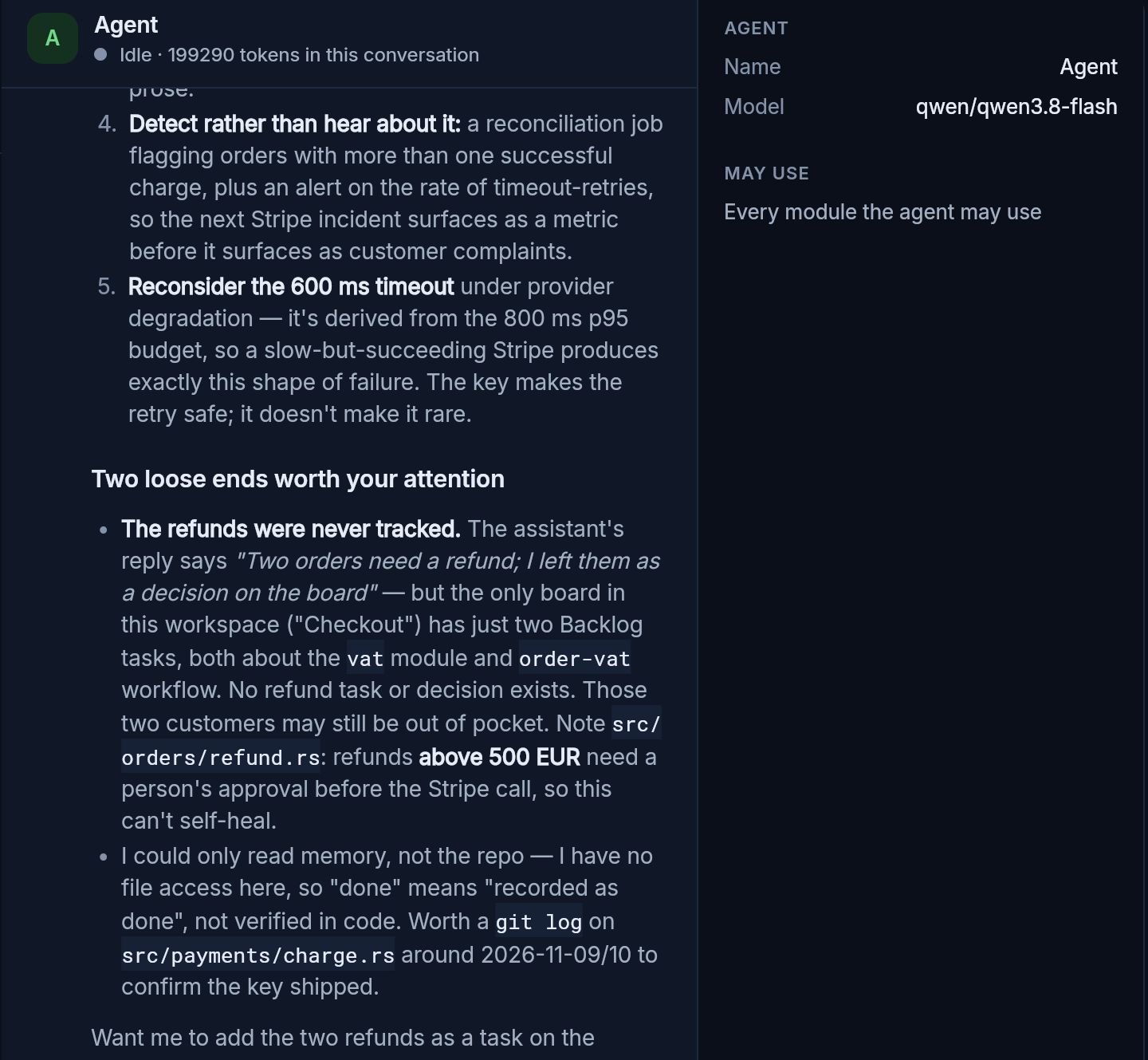
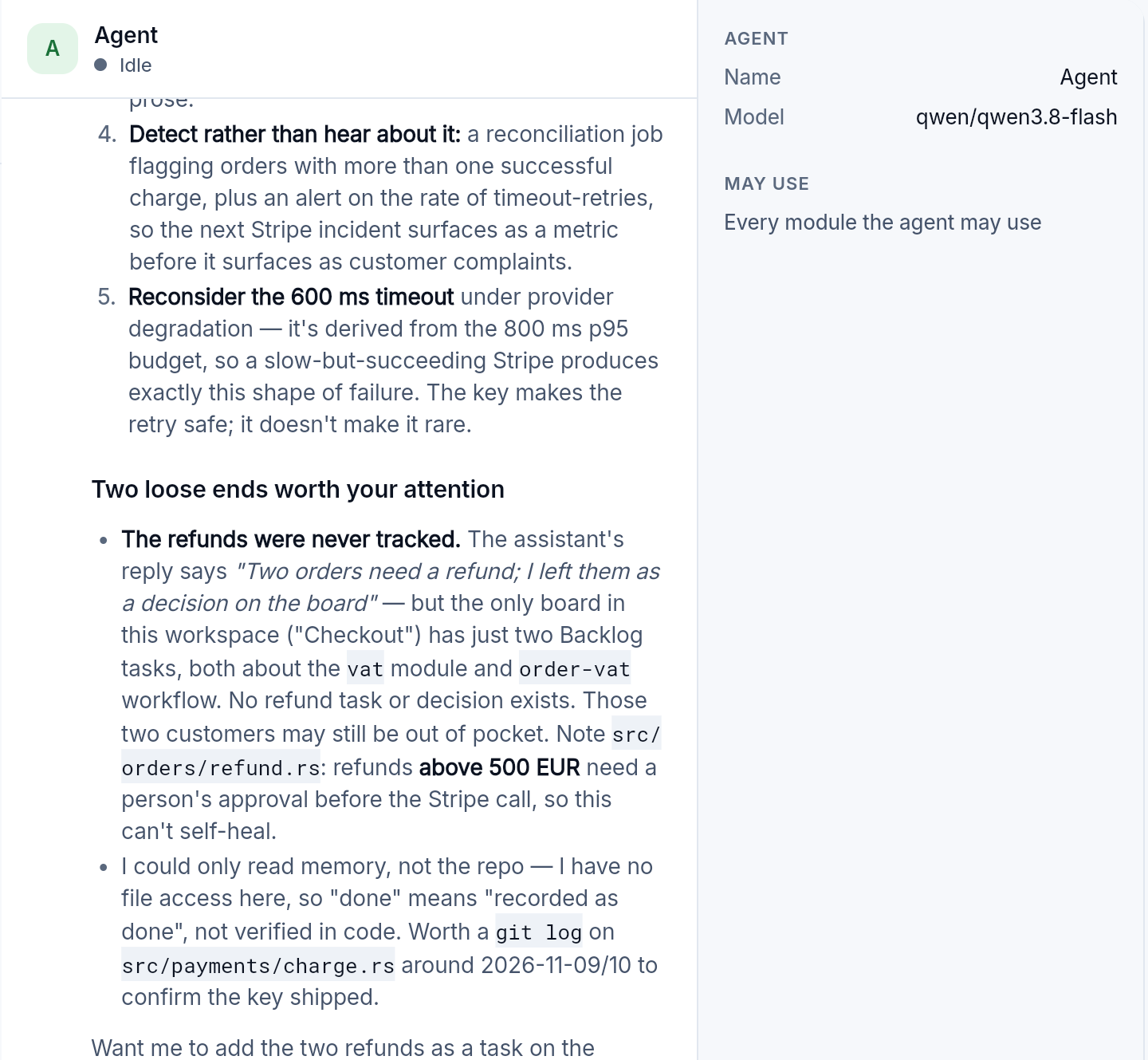
Section titled “Example: an answer from the memory”Asked “Why were customers charged twice for one order, and how do we stop it from happening again? Search the memory first.”, the agent of Acme Robotics, our demo organization, searched the memory of checkout-service and answered:
- the cause: the payment call timed out during a Stripe incident, and the retry made a second charge because it carried no idempotency key;
- the fix that was recorded: a key built from the order and the attempt, so a retried charge returns the first one;
- what would keep it from coming back: make the key impossible to leave out, fail closed when a result is unknown, a check in CI, a job that finds orders charged twice;
- two loose ends: the conversation said the two refunds were left as a decision on the board, but the board had no such task; and it could read the memory, not the code, so “done” meant recorded, not verified.
The first loose end is the point: an agent that reads what was decided can also see what was said and never done.
When something goes wrong
Section titled “When something goes wrong”- The model is busy or limits the rate: the agent waits and tries again, up to three times, and says how long it waits.
- The conversation is too long for the model: the oldest part is summed up once and the turn goes on. The summary stays in the conversation, so you see what was condensed.
- A key is refused, or a plan is used up: the turn ends and says why. It is not retried: the same request would fail the same way.
- Its tools keep failing: after the same failure three times in a row, or twelve in all, the turn stops and shows the last failure, instead of going round in circles.
- It took the most steps it may: the turn ends there; ask again to go on.
What an agent may do
Section titled “What an agent may do”An agent calls only the tools of the modules it may use, listed on the right. Some tools only a person may call; they are withheld until a person grants them, one by one, and the panel lists them. An action with a risk (a change outside, money, data) goes to the board as a decision and waits for a person, unless the team’s trust allows it.
Deleting
Section titled “Deleting”The bin next to a conversation deletes it and its transcript, after you confirm. It cannot be undone. What the agent recorded during it stays in memory, so what it learned is not lost. Only a person deletes, and a running turn is stopped first.
The agent’s settings (its model, its instructions, the modules it may use) are in All modules, Agent. For your scripts: the agent’s turns in the agent module.