
Connections and keys
Connections is where things outside the app get in: your agents with an API key, and your own daemons with a connection of their own.
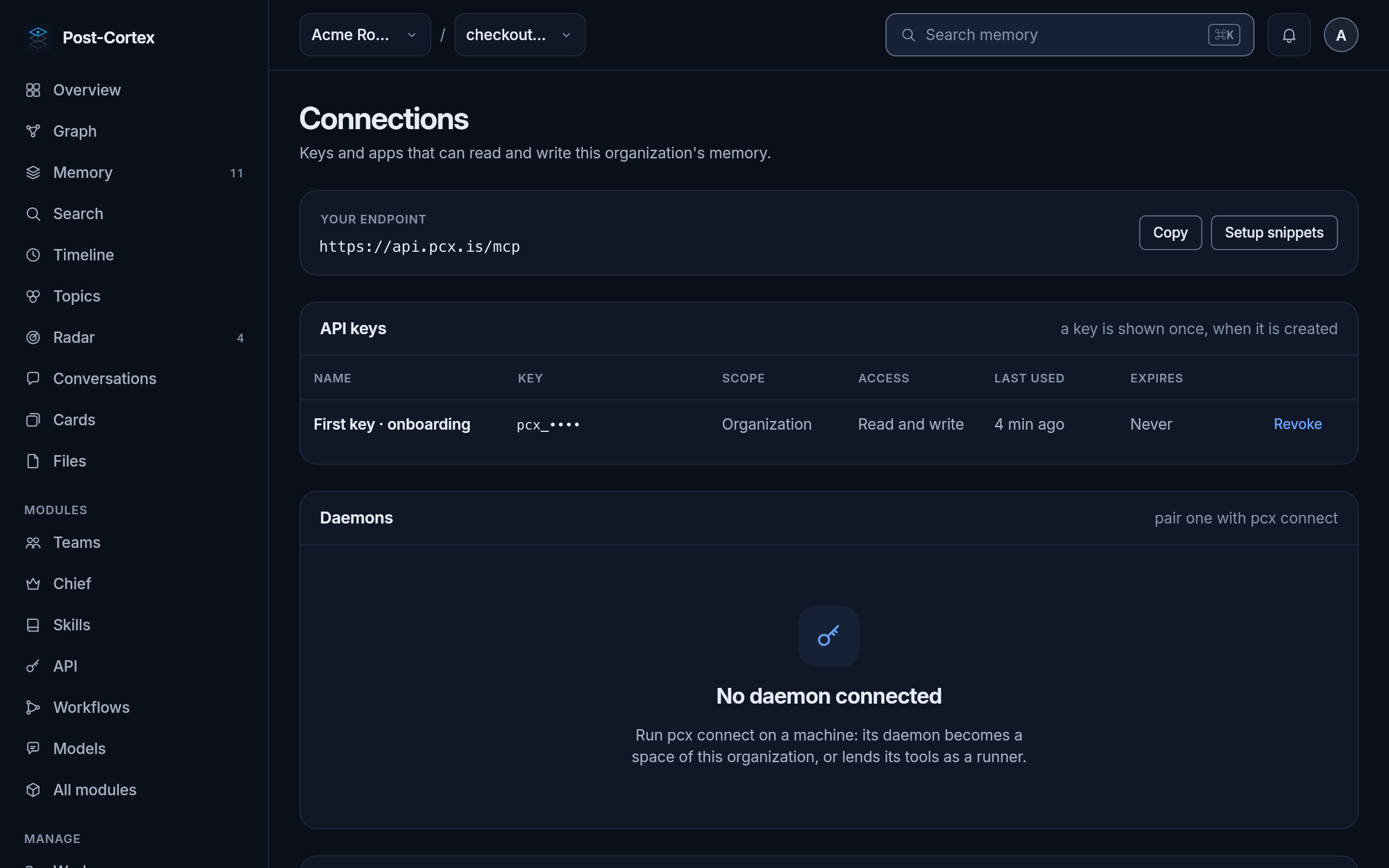
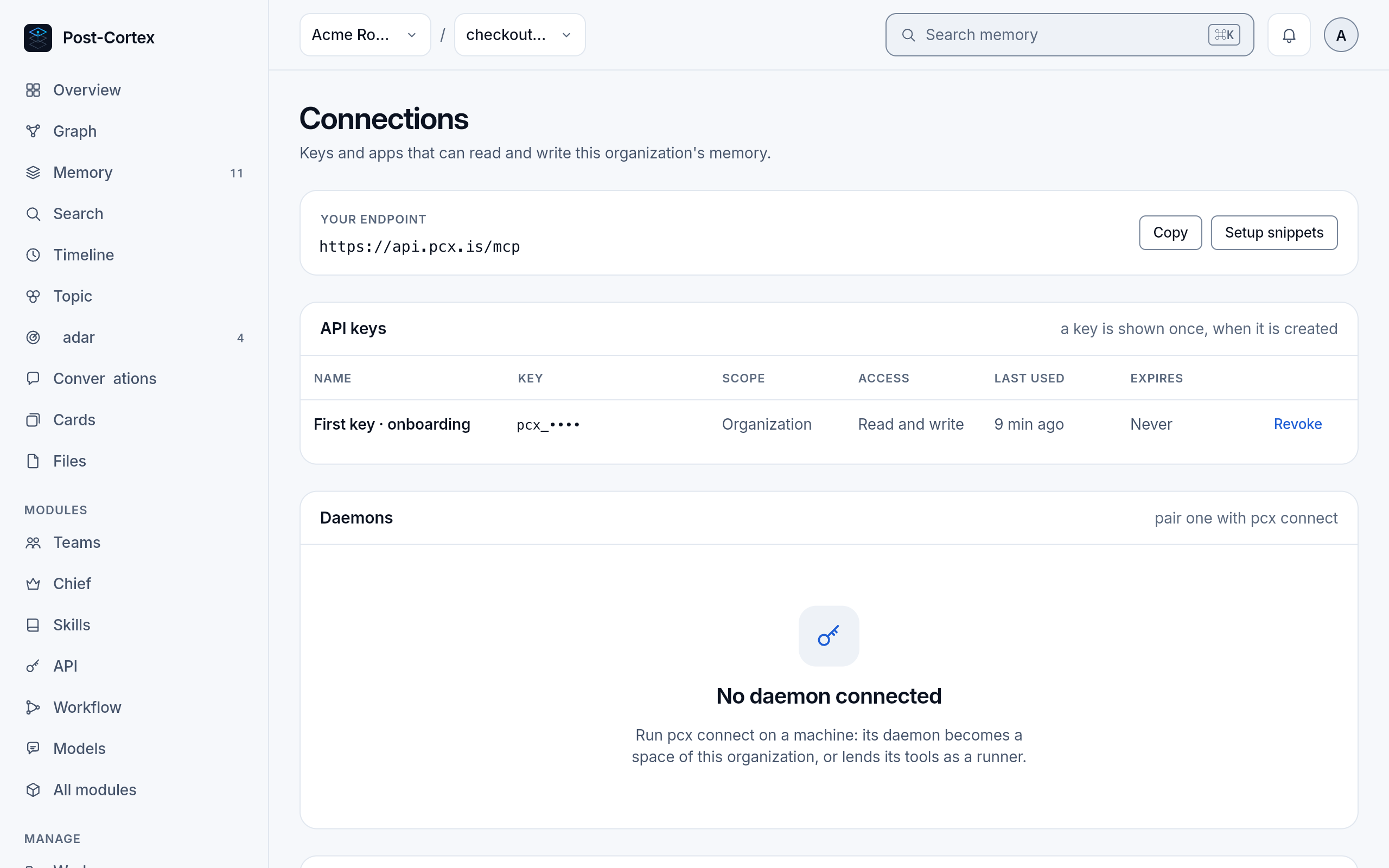
Your endpoint
Section titled “Your endpoint”The MCP endpoint of your organization, https://api.pcx.is/mcp, with Copy and Setup snippets: the same ready commands as the onboarding, for Claude Code, the pcx CLI, claude.ai, Cursor, Codex, OpenCode, VS Code and others.
API keys
Section titled “API keys”A key is what an agent or a script signs in with. When you make one, you choose:
| Setting | Choices |
|---|---|
| Scope | the whole organization, or chosen workspaces |
| Access | read and write, or read only |
| Expires | never, or a date |
A key is shown once, when it is made: copy it then. The list shows only its first characters, when it was last used, and Revoke, which stops it at once. Make one key per agent or machine, so you can revoke one without touching the others.
Daemons
Section titled “Daemons”A pcx daemon on your own machine joins here with pcx connect. Once you approve it, it shows in this list and as a space of its own in the organization menu, or it lends its tools to the organization as a runner. How: Connecting a daemon.