
API
Agents and workflows often need an outside service: open a GitHub issue, post to Slack, read a customer from Stripe. The API page is where you connect such a service once, with your own credentials. A call names the connection, never the token, so an agent can use GitHub without ever holding your key.
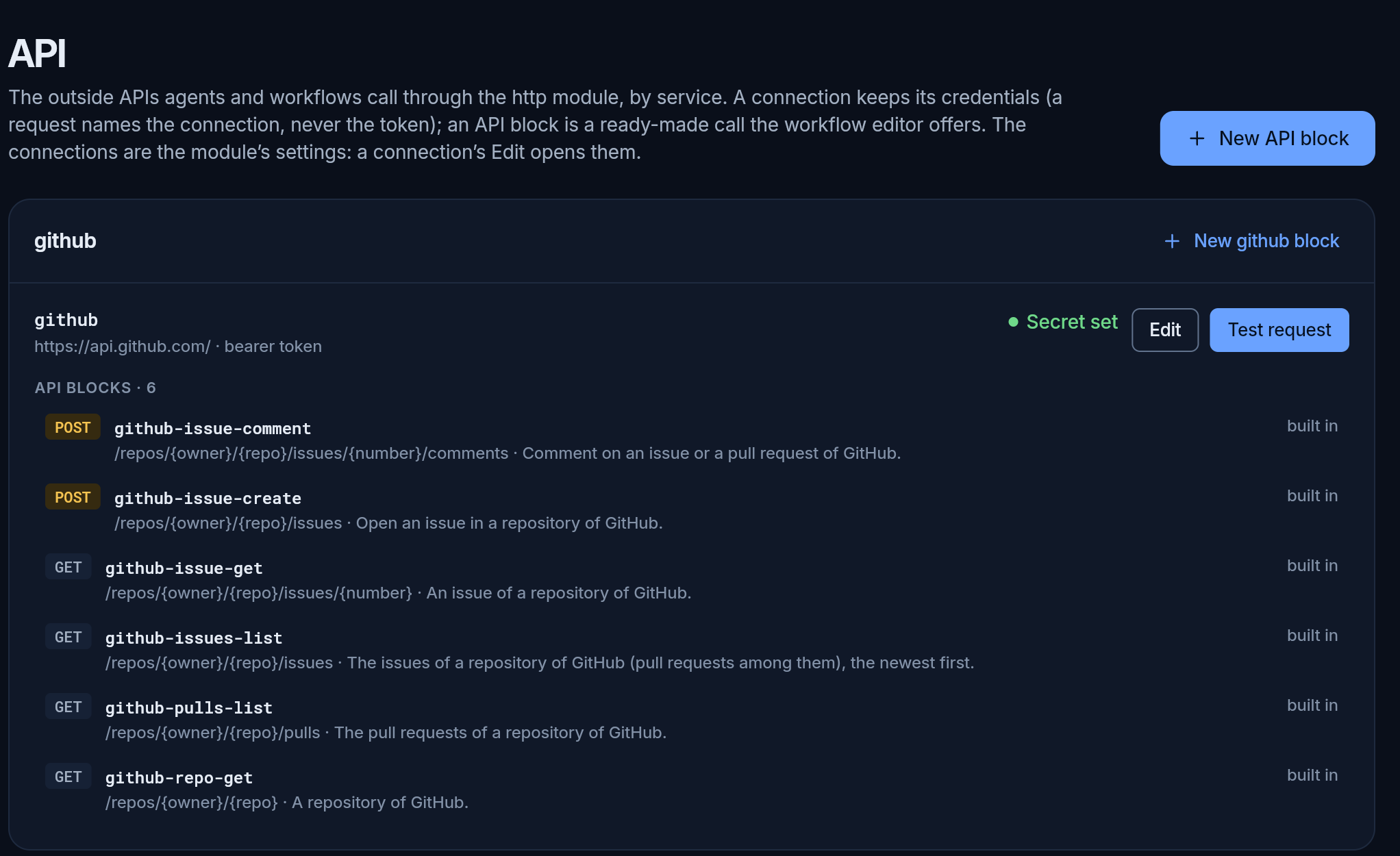
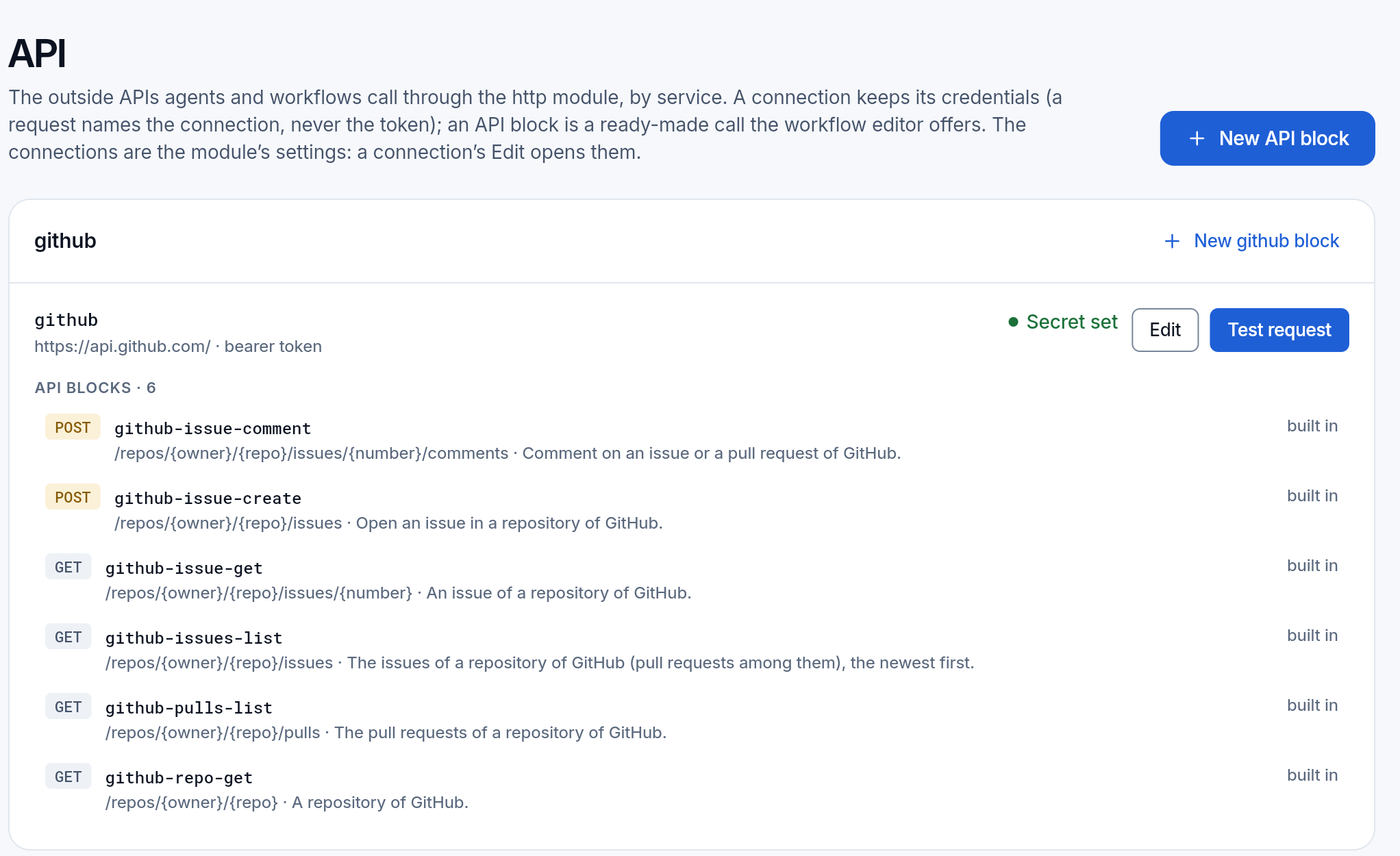
The page shows when the HTTP module is on (All modules). It lists the services one under another, each with its connections and its API blocks, and at the end the log of what was called.
Connections
Section titled “Connections”A connection is one outside service:
- a name, such as
github, which calls use; - its address, such as
https://api.github.com; a call goes only to a path under it; - how it signs in: a bearer token, a user and password, a key in a header (such as
X-Api-Key), or a key in the query, for the APIs that take it only there; - headers sent with every call, a default timeout, and the path Test request calls.
The connections are settings of the HTTP module: Edit opens them, in the same form as All modules. The secret is write-only: once saved, the page shows only Secret set, and you can replace it, never read it. Test request calls the connection as it is now and says the status and how long it took.
Who may change connections: the people who manage the workspace.
API blocks
Section titled “API blocks”An API block is a ready-made call: a method, a path with places to fill (/repos/{owner}/{repo}/issues), its fields, and what its answer looks like. The workflow editor offers each one in its list of blocks, so adding “comment on a GitHub issue” is picking it and filling the fields.
Built in, for a start:
| Service | Blocks |
|---|---|
| GitHub | a repository, its issues and pull requests, one issue, open an issue, comment on one |
| Slack | post a message, list the channels |
| Stripe | customers, one customer, charges, invoices (reads only) |
| Any REST API | a GET of a path, a POST of a JSON body |
New API block adds your own, for any service you connected: its name, what it does, the connection, the method, the path and its fields. Try it with calls it with values you type: a GET at once, anything else only after you confirm, because it changes something outside. From its answer the form proposes the fields of the result, and you keep those the workflow reads.
A built-in block cannot be changed or removed; duplicate it under another name. A workflow keeps the call it was given: changing or removing a block later never changes a workflow that uses it.
What a call may reach
Section titled “What a call may reach”- Only what a person set up. A call goes through a connection, or to a host the module’s settings allow; none is allowed until you add one.
- Credentials stay with their host. A connection’s key goes only to its own address. A redirect to another host goes without it.
- Not your network. Private and local addresses are refused, and so is a name that resolves to one. In the cloud they are always refused.
- Within limits: 5,000 calls a day by default (in the cloud, your plan sets the limit), at most 16 at once, 1 MB out and 2 MB back.
A read (GET) is just a read. Any other method changes something outside, so an agent’s call waits for a person unless its team’s trust allows it; in a workflow, its grants were approved before any run.
The log
Section titled “The log”Called lists every call, newest first: when, who called (a person, an agent, a workflow), the connection, the method, host and path, the status and how long it took. Nothing else is kept: no header, no query, no body and no secret. The log keeps 30 days.
Sign-in with OAuth is not there yet: a connection signs in with a key, a token or a password.
Every field of a request, the answers and the failures, for your agents and scripts: the HTTP module.