
Workflows
A workflow is a graph of steps that runs when something happens. Each step calls a module’s tool, asks a model, gives a turn to an agent, waits, or waits for a person. It acts only through the modules a person approved for it.
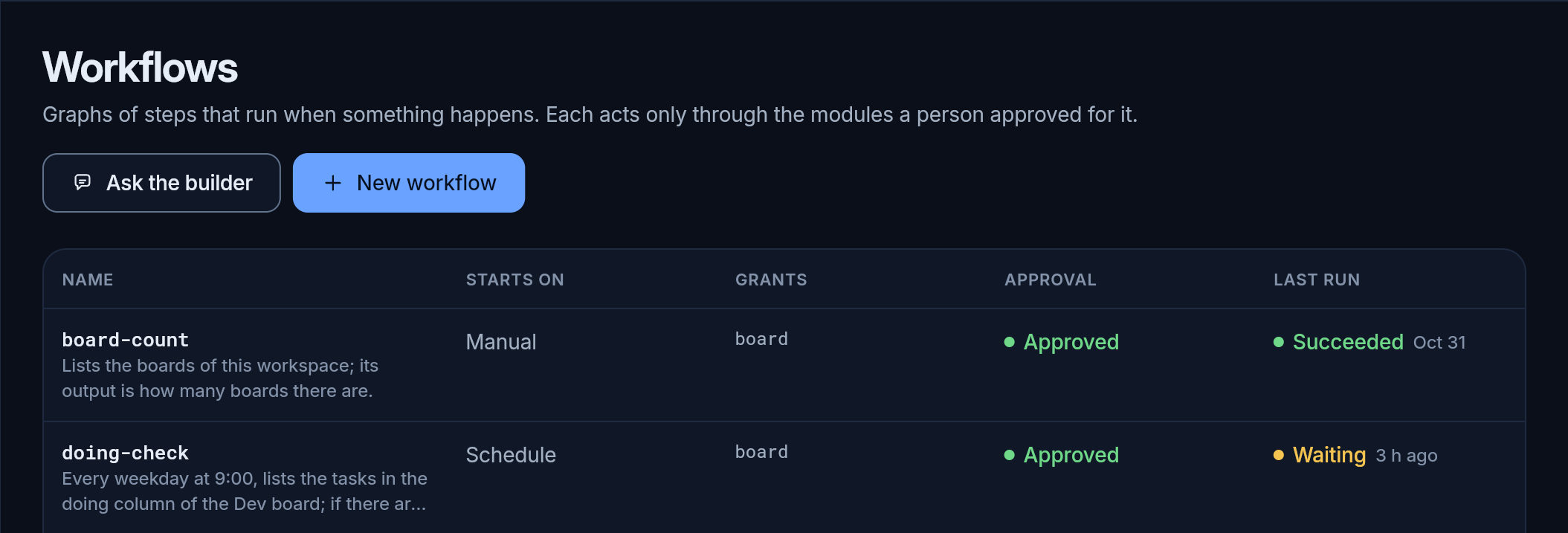
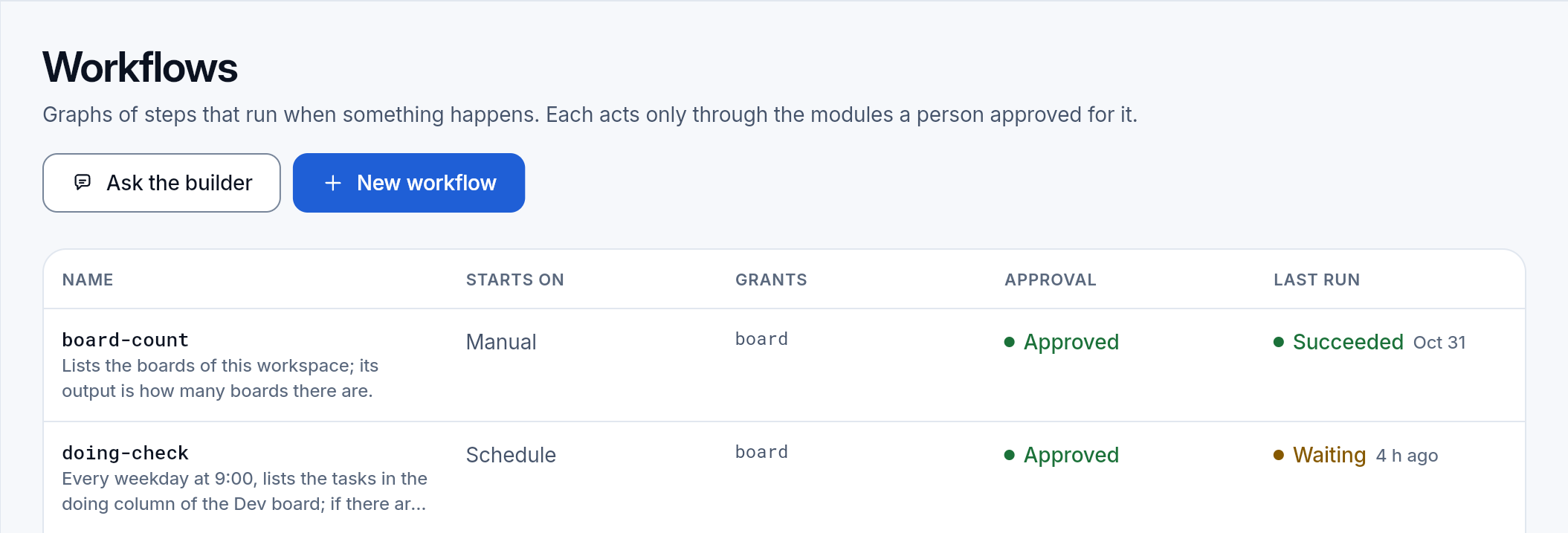
Why a workflow and not an agent’s turn, with a whole example from a request in words to a run at 9:00: Workflows.
Two ways to make one
Section titled “Two ways to make one”- Ask the builder: say what you want in words, and the builder agent writes the workflow, checks it, tries it and tells you what it will do.
- New workflow: open the editor and put the blocks together yourself.
Both make the same thing. A workflow the builder wrote opens in the editor, and one you made by hand can be given to the builder to change.
Ask the builder
Section titled “Ask the builder”Most people know what they want (“every morning, check the tasks in progress”), not which tool of which module does it or what fields its request takes. The builder knows the catalog. It does not do the workflow’s work itself; it only writes the workflow.
It works in the same steps every time:
- It understands the request: what starts it, what it reads, what it changes, whom it tells. When one of them is unclear, it asks; it never guesses an address, a board or a schedule.
- It reads the catalog: every tool a step may call, with its module, what it does (reads, writes, or acts outside) and the fields of its request and answer. It uses nothing the catalog does not list.
- It writes the graph and checks it. A check that fails names the block and the field; the builder fixes it and checks again until nothing fails.
- It tries it with a dry run, and reads the steps: does each one give the next what it reads?
- It tells you in plain words what starts it, what it does in order, what it changes and which modules it asks for.
- It saves it. The workflow does not run until a person approves what it asks for.
- For a schedule it adds the times to the Scheduler.
What it cannot do:
- approve its own workflow, or give it more than a person approved: the approval is a person’s;
- work without a model: the builder is an agent, so the organization needs a model provider;
- set a schedule without the Scheduler module: when the module is off, it says so.
The editor
Section titled “The editor”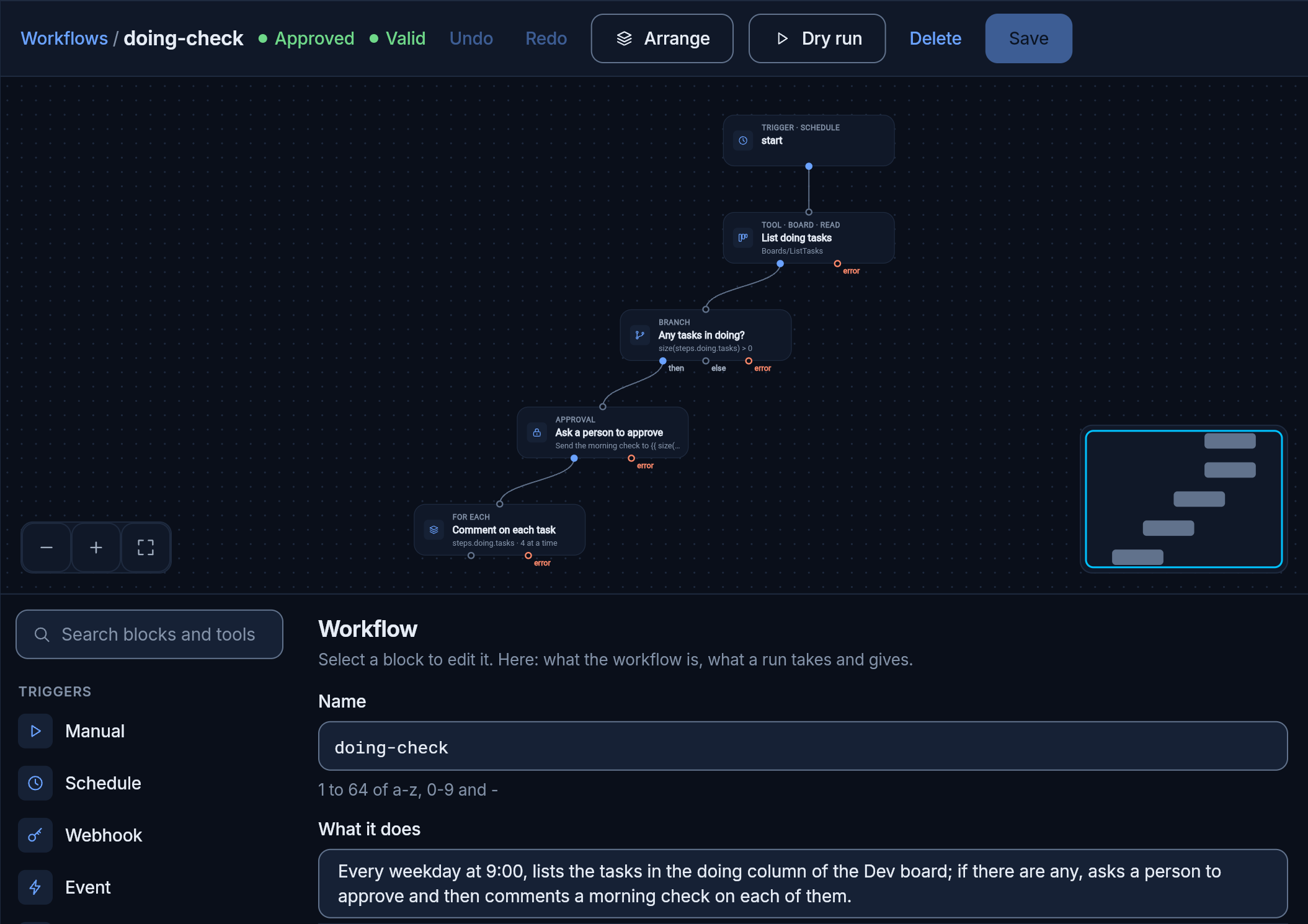
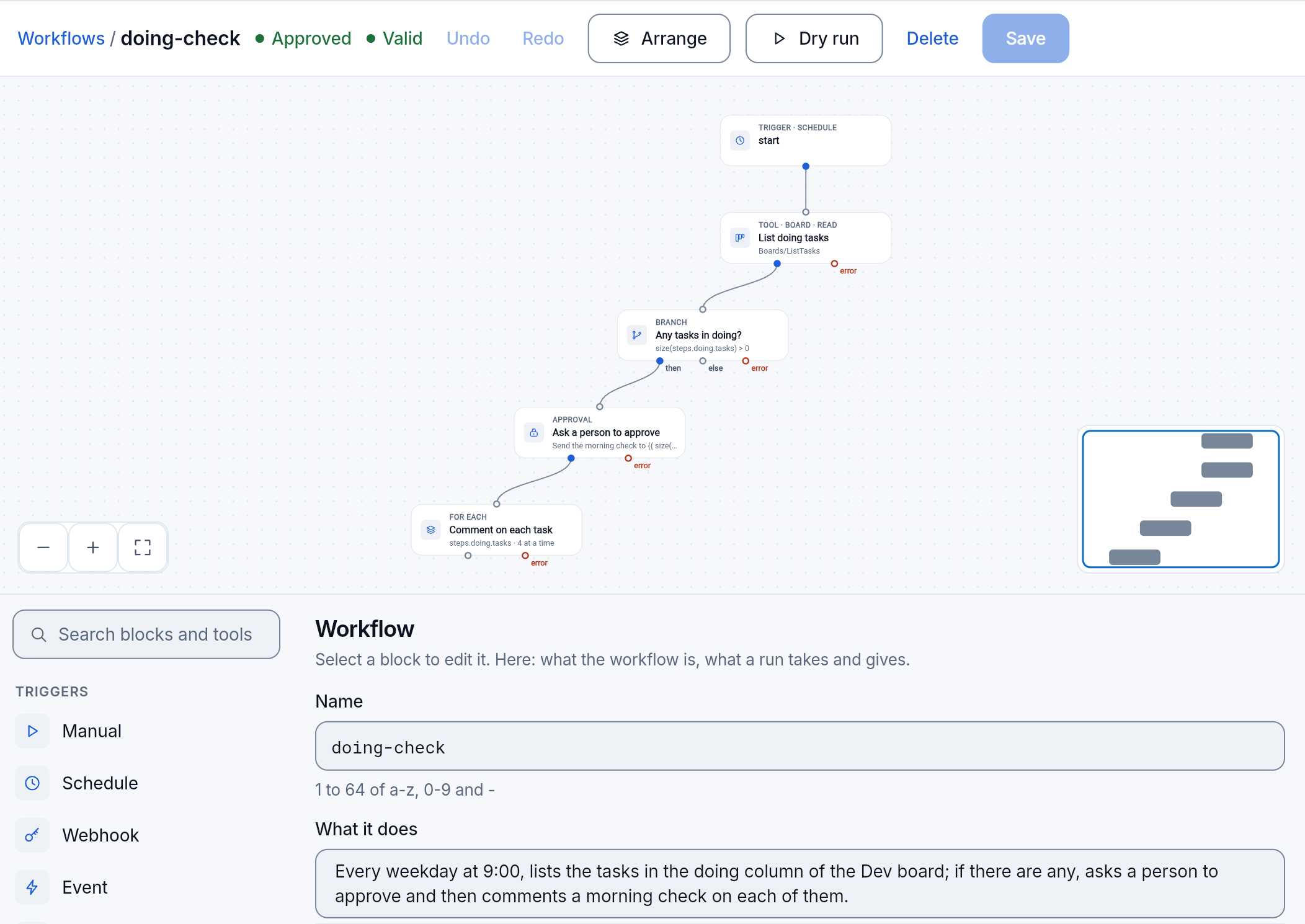
The canvas shows each block as a box with its exits: the next step, the two sides of a branch, and the error path. Below it:
- the blocks to add, with a search: the triggers, the actions (a model, an agent, an approval, another workflow), the flow (a branch, for each item, in parallel, a wait), the data blocks, and every tool of every module the organization runs;
- the selected block’s fields. A tool’s request is a form built from that tool’s fields; a value can be fixed or computed from the workflow’s input and the output of earlier steps, and the panel lists what this block can read. With no block selected, the panel shows the workflow itself: its name, what it does, its input and output, its limits and the modules it asks for.
Every change is checked at once: the bar says Valid, or which block and which field are wrong. Undo and Redo, Arrange to lay the graph out, Dry run, Save.
A schedule trigger lists the times that start this workflow, with the next run and whether they are paused, and adds new ones on the Scheduler page.
Every save is a new version. A run keeps the version it started on, so an edit never changes a run in flight. Moving blocks around is a version too, but asks for no new approval: what the workflow may call did not change.
When it runs
Section titled “When it runs”| Trigger | Starts when |
|---|---|
| manual | you, or an agent, run it |
| schedule | at the times you set, such as every weekday at 9:00; the Scheduler pauses it or runs it at once |
| webhook | a webhook source posts to it; the verified body is its input |
| event | something happens in pcx, such as a task moved to Done |
| call | another workflow, or an agent calling it as a tool |
What a step can do
Section titled “What a step can do”- Act: call one tool of any module; ask a model with a prompt and an output shape (classify, extract, sum up); give a turn to a team member; run another workflow.
- Decide the path: if, switch, for each item (up to 16 at once), in parallel, wait for a time or an event, and approval: the run stops until a person approves, as a decision on the board.
- Shape data: every step’s output is available to the next ones; set values, keep state between runs, filter, transform and validate.
Every step has retries, a timeout and an error path. Every kind of block and its fields: the workflow module.
Try it without changing anything
Section titled “Try it without changing anything”Dry run runs the workflow against your real data and changes nothing. It runs the draft in the editor, saved or not, and shows the steps on the graph with their times, as a real run does; each step’s input and output can be opened.
| A step that | In a dry run |
|---|---|
| reads (lists tasks, searches the memory) | runs for real |
| writes or acts outside (a comment, a mail, an HTTP call) | is not done; it answers with its example answer, or empty values |
| shapes data (filter, set, transform) | runs for real: it calls nothing |
| waits | passes at once |
| asks a person to approve | counts as approved |
| keeps state between runs | changes only the dry run’s copy |
| runs another workflow | runs that one dry too |
| asks a model or an agent | is simulated, unless you ask for the real answer: that costs |
No event is sent and nothing is stored. A dry run takes at most 5 minutes.
What it does not prove:
- that a write will succeed. It shows that the graph is connected and passes the right fields, not that the mail server will take the mail;
- what a model would answer, unless you turn models on for it; then it costs what a real run does.
Reads are real, so a dry run that reads a long list costs what a real run does.
Approvals
Section titled “Approvals”A person approves in two places, both on the board, as decisions.
What the workflow may call
Section titled “What the workflow may call”A workflow names the modules its steps call: its grants. The builder and the editor fill them in from the blocks, nothing more than the graph uses.
A new workflow, or a change that asks for more, adds a decision on the board with the risk code that lists them. Until a person approves it, no run starts: by hand, on a schedule or from a webhook. After that:
- a change that asks for nothing new (another comment text, another time, a block moved) does not ask again;
- a change that asks for a new module (say, mail) asks again, and no run starts until it is approved;
- only the workflow module writes what was approved; no workflow can write it for itself, and the workflow that asks cannot approve.
One step of a run
Section titled “One step of a run”An approval block stops the run until a person decides. The run adds a task on the board with the decision, and the question is filled in by the run, such as how many tasks will get a comment. A run that waits holds nothing busy. An approval given while the module was restarting is not lost: the module reads the decisions again when it starts.
When a run ends before anyone answered (it was canceled, or its time ran out), its question is taken off the board.
A workflow that belongs to a team with trust has the decisions in the classes the trust allows approved at once, within their limits; each such approval says so in its history, and a person can take it back.
Open a run from the list and it shows on the same graph: the steps light up as they go, each with its time, and each step’s input and output can be opened.
- A run has limits: how many steps, how many model tokens, how much it may cost and how long it may take, the waits included. A run that passes one stops and says which.
- Every attempt of every step is kept with the run, and after a restart a run goes on from where it stopped, without doing a step twice.
- A workflow with a run still open cannot be deleted: cancel the run, or wait for it to end.