
Workspaces and your data
A workspace is one project: its sessions share one memory and one project card. Make one per project, usually named after its repository. Workspaces, Settings and Your data, under Manage, are where you organize them and take your memory with you.
Workspaces
Section titled “Workspaces”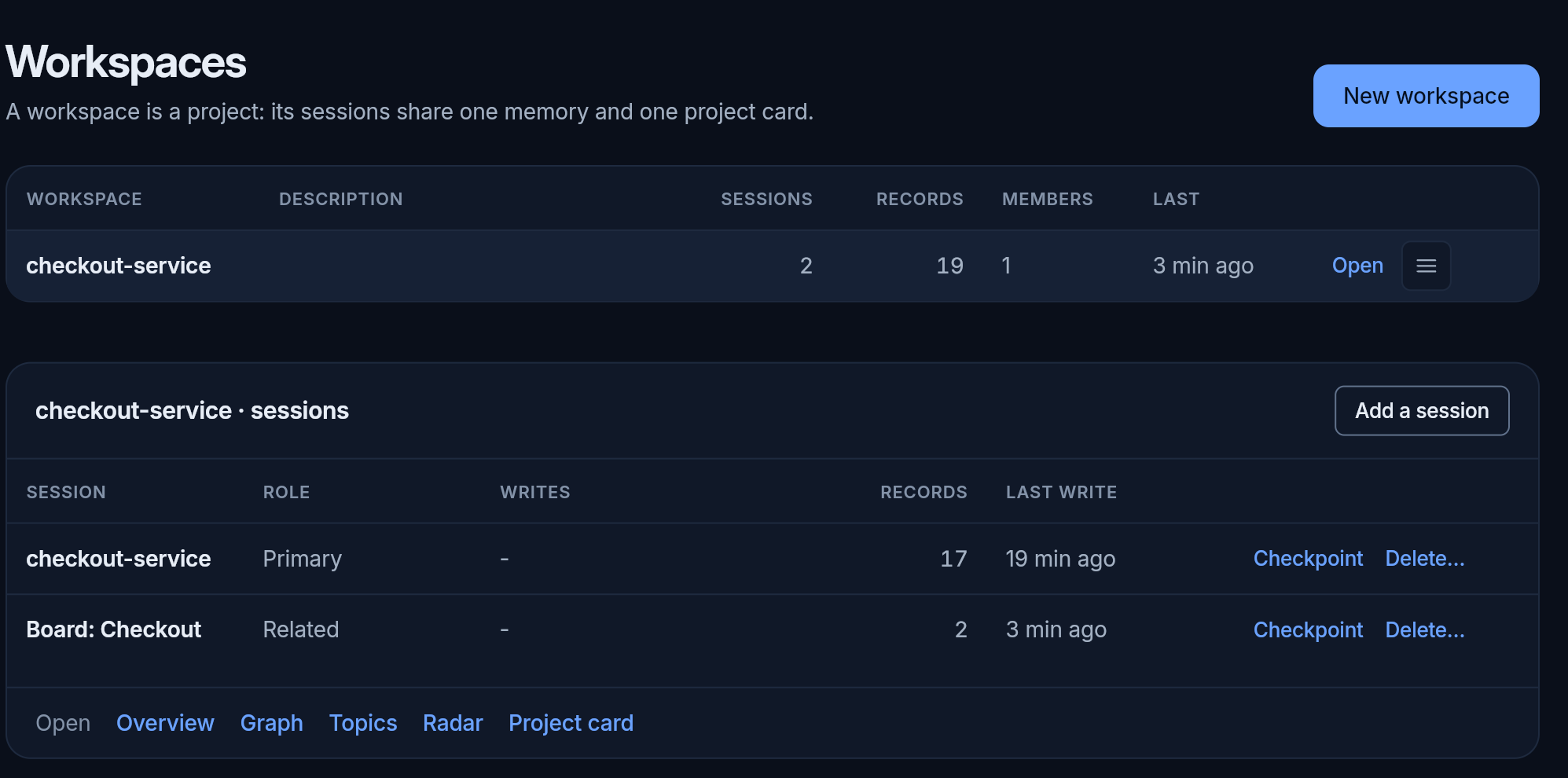
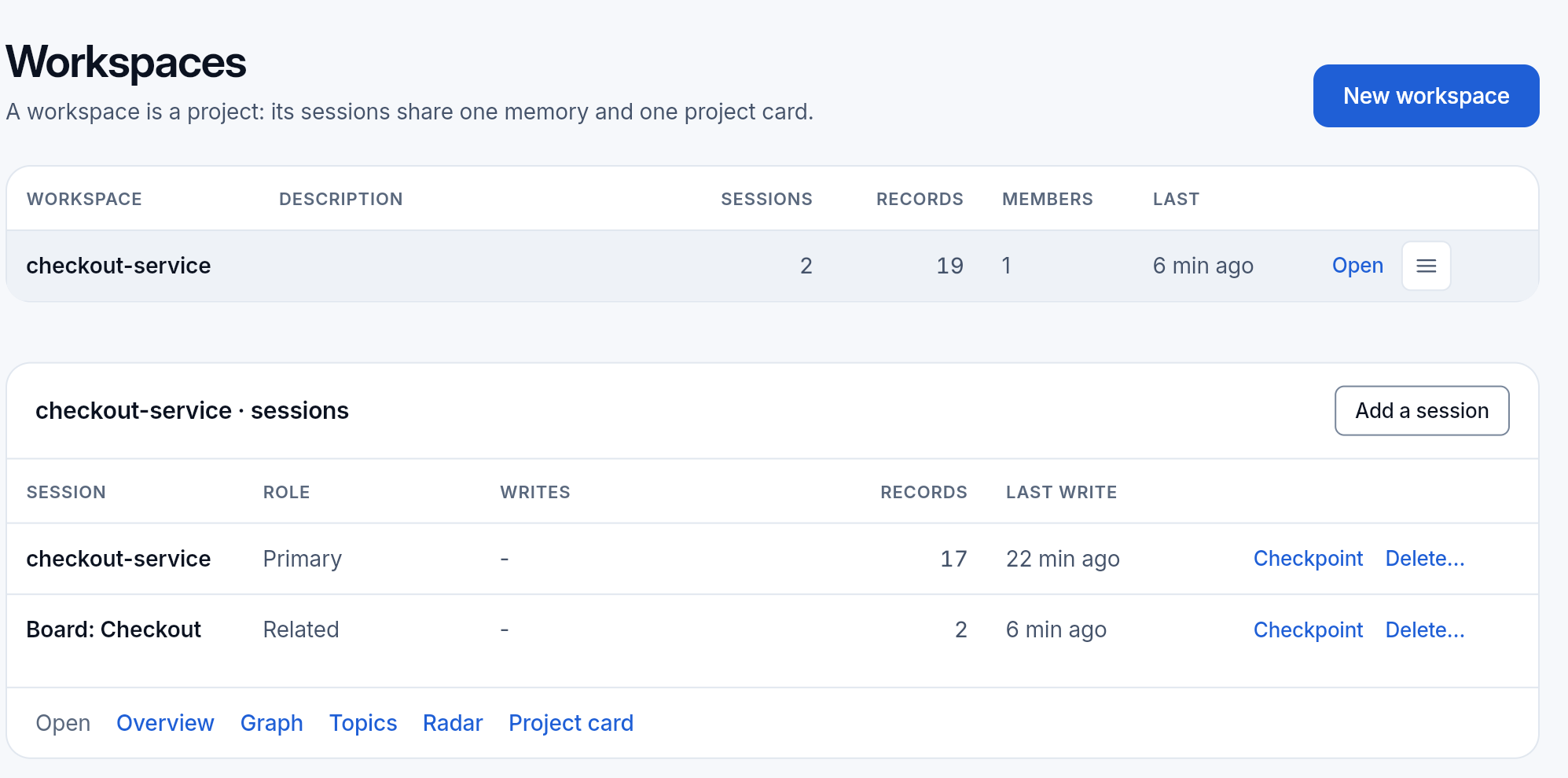
The list shows every workspace of the organization, with its records, its sessions and when it was last written to. New workspace makes one: a name and a description. Its address is made from the name once, and stays the same when you rename it, so links and keys keep working.
Making workspaces takes manage access to the whole organization; a person with access to some workspaces only sees those.
Sessions
Section titled “Sessions”Open a workspace to see its sessions. A session is one line of work: an agent that connects to the workspace makes its first one by itself. Each has a role:
- primary: where the main agent writes;
- related and dependency: searched together with the primary, for work that leans on another project.
Add a session makes one by hand. Checkpoint saves the session as it is at that moment. Delete session removes it with its records and its captured conversation, after you confirm: it cannot be undone.
Archive or delete
Section titled “Archive or delete”- Archive makes a workspace read-only and takes it out of the workspace menu. Agents writing to it get an error; API keys scoped to it stop working. Restore brings it back at any time: nothing is deleted.
- Delete removes every record, entity, relation, session, captured conversation and the project card. It leaves the live data at once and the backups after 30 days. Export it first if you may need it again.
Settings
Section titled “Settings”The settings of the workspace you are in:
- Name and description. The address stays when you rename it.
- Voyage reranking for accurate searches. Off by default. When it is on, each accurate search sends its query and the text of its best candidates to Voyage AI, outside our infrastructure, to order them. Why and what it gains: Search.
- Export or delete this workspace: the same export and delete as above.
Changing settings takes manage access to the workspace.
Your data
Section titled “Your data”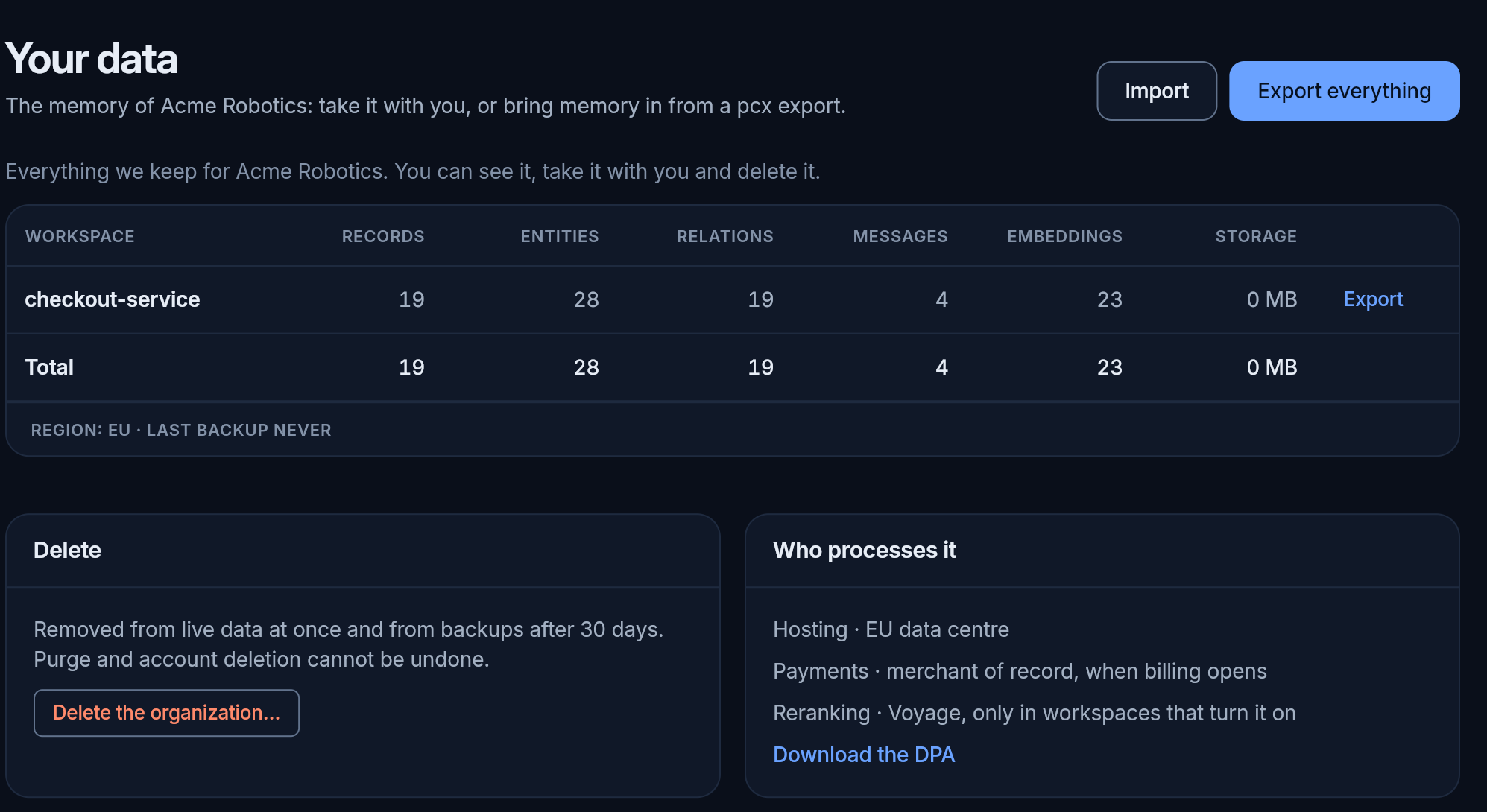
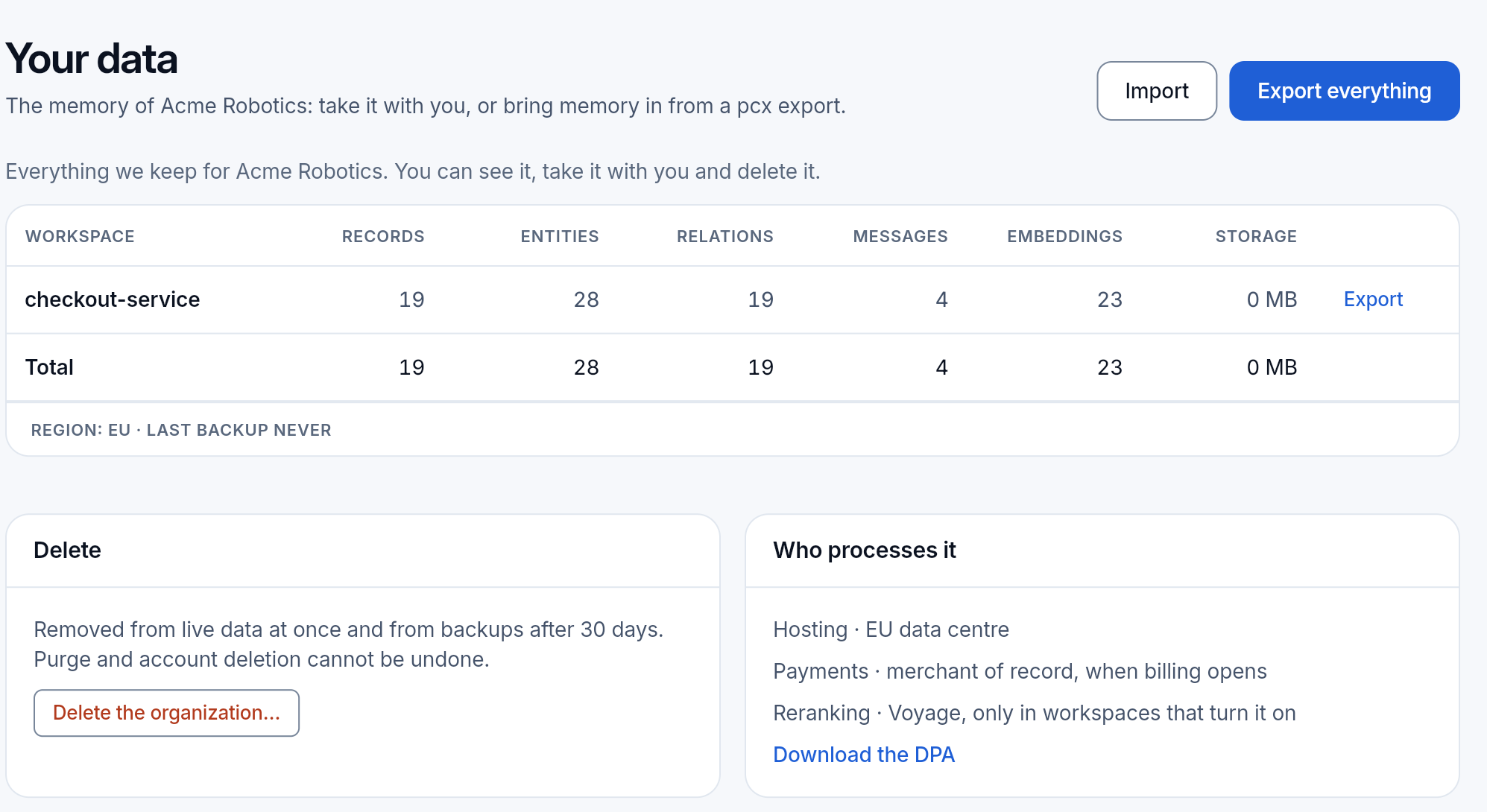
Everything we keep for the organization, and the way to take it with you or bring it in.
- Per workspace: its records, entities, relations, messages, embeddings and storage, with the totals.
- Who processes it: where it is hosted, the region and the last backup, and who else touches it: Voyage for reranking, only in the workspaces that turn it on. The data processing agreement is linked there.
- Access to your data: whether our support looked at it this year, and the full audit log.
- Export everything downloads the memory of the organization as one file: gzipped JSON, the same format as
pcx export. Import it into a daemon on your own machine withpcx import, and it works there as it did here. - Import a pcx export brings memory in, such as from a daemon you ran yourself: make the file there with
pcx export, choose it here, and Check the import shows what it contains and what already exists here before anything is imported. Take cards the file wrote later chooses whose cards win when both have one.
Anyone can see and export the data of their workspaces; owners and admins of every workspace import; only an owner deletes.
Delete the organization removes everything: every member loses access, and every API key and connected app stops working. It leaves the live data at once and the backups after 30 days. Export everything first if you may need it again.